
Taskly
Taskly
  • Docs
  • Changelog
  • Feature requests
  • Support portal
Docs / Setting Up

Setup Taskly for Onsite Bookings

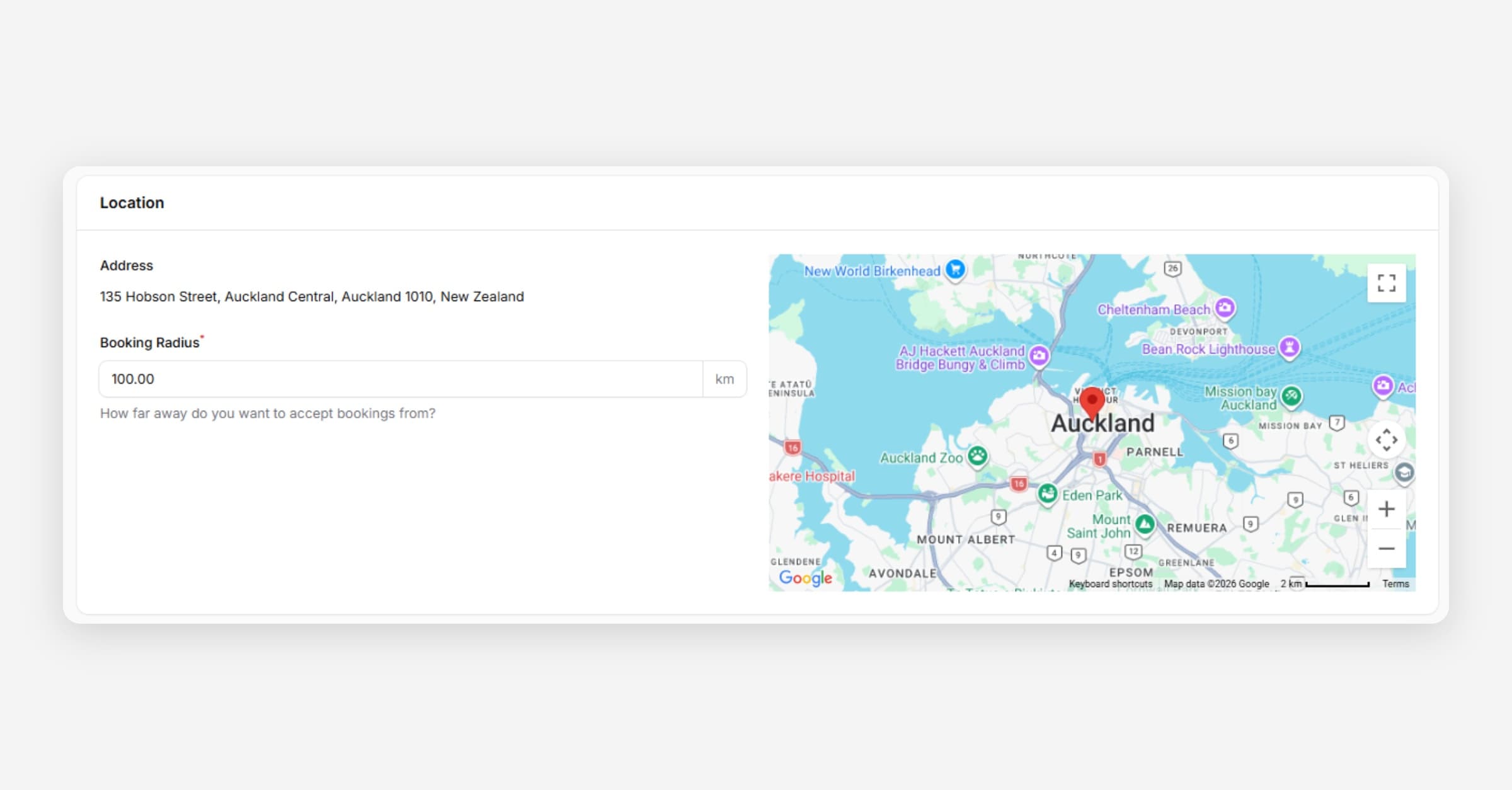
Taskly is designed for service based businesses who travel out to jobs, or those who have customers travel to them. The following article outlines how to set up Taskly to take bookings at your location (instead of taking a customers location).
Setup Taskly for Onsite Bookings

Setup Taskly for Onsite Bookings (vs At Customer Locations)

If you would like to set up Taskly to take bookings at your location (instead of asking for the customers address in the booking process), please contact [email protected] and we'll set this up for you.

PrevLink Facebook and Instagram Accounts on Taskly
NextEnable Multi Day Bookings
Was this helpful?
    • Quick Start Guide
    • Update Business Details
    • Update Your Branding
    • Edit Your Booking Radius
    • Setup Quote Acceptance Terms
    • Enable Google Analytics
    • Creating Categories and Services
    • Create Custom Service Forms
    • Enable SMS (Text) Notifications
    • Enable Website Booking Forms
    • Link Facebook and Instagram Accounts on Taskly
    • Setup Taskly for Onsite Bookings
    • Enable Multi Day Bookings
    • Setup Taskly for Mobile