
Update Staff Colours
Taskly allows you to assign colours to each staff member so you can quickly distinguish between team members when viewing jobs on the calendar. The following article outlines how to update staff colours.
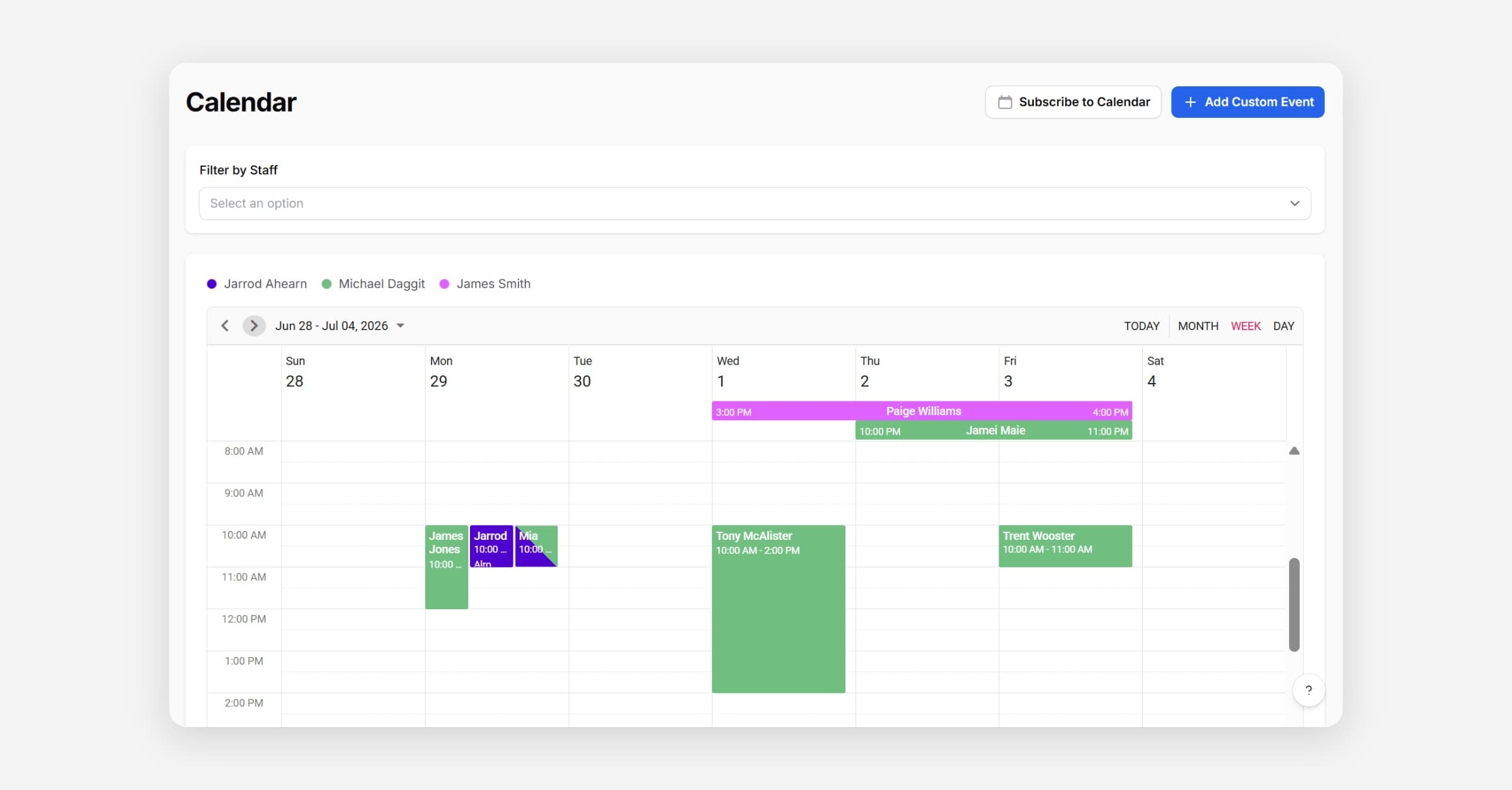
Taskly allows you to assign a colour to each staff member so you can quickly distinguish between team members when viewing jobs on the calendar. The following article outlines how to update staff colours.
Go to Staff
Press Edit next to the staff member you would like to update
Select a Calendar Color
Press Save Changes
Was this helpful?