
Creating Categories and Services
Taskly allows you to categorize services on your booking form, so that customers can easily find what they are looking for. In this guide, you'll learn how to create categories, then create services and add those to categories on your booking form.
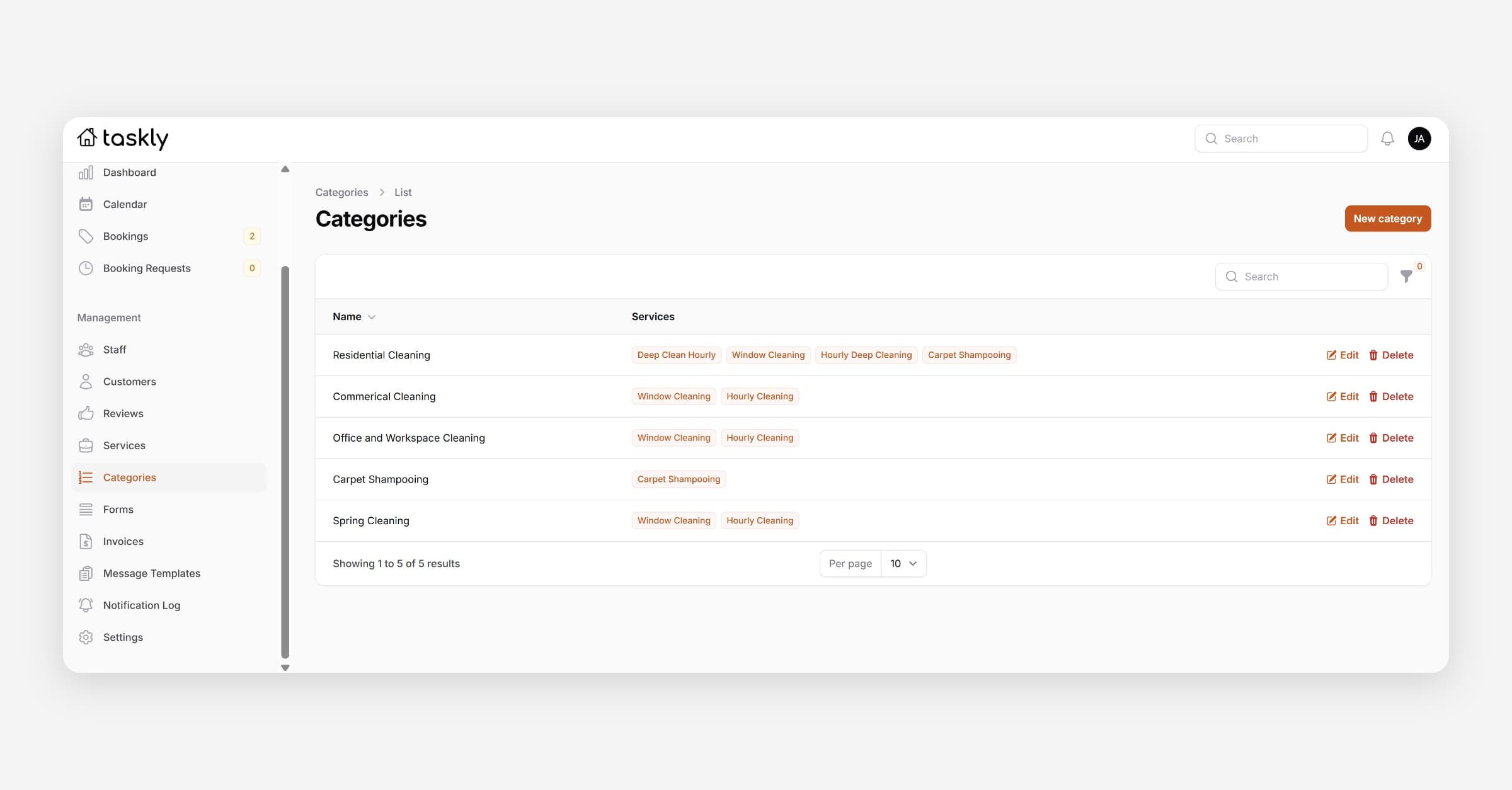
Taskly allows you to categorise services on your booking form so that customers can easily find what they are looking for. The following guide outlines how to create categories and services.
Categories and services are not displayed on the Quick Embed booking form — only the full booking form.
Create Service Categories
Go to Categories
Press New Category
Enter the name of the category, e.g. Residential Cleaning
Press Create, or Create & Create Another if you have additional categories to add
Create Services
Go to Services
Press New Service
Enter the Name of the service, e.g. Hourly Deep Cleaning
Enter the Description to be displayed to customers on your booking form when they select the service
Enter the Price Minimum — this is the "From" price displayed on your booking form, e.g. From $109.00. If you prefer no price to display select the ‘Hide Price’ toggle.
Select the Categories you would like this service to appear in — services can be displayed in multiple categories
Toggle Enabled to publish the service on your booking form
Press Create, or Create & Create Another if you have additional services to add.
Was this helpful?