
Using the Taskly Calendar
Taskly includes a built-in calendar that gives you a visual overview of your upcoming and scheduled jobs. The following article outlines how to navigate and use the Taskly calendar to manage your bookings.
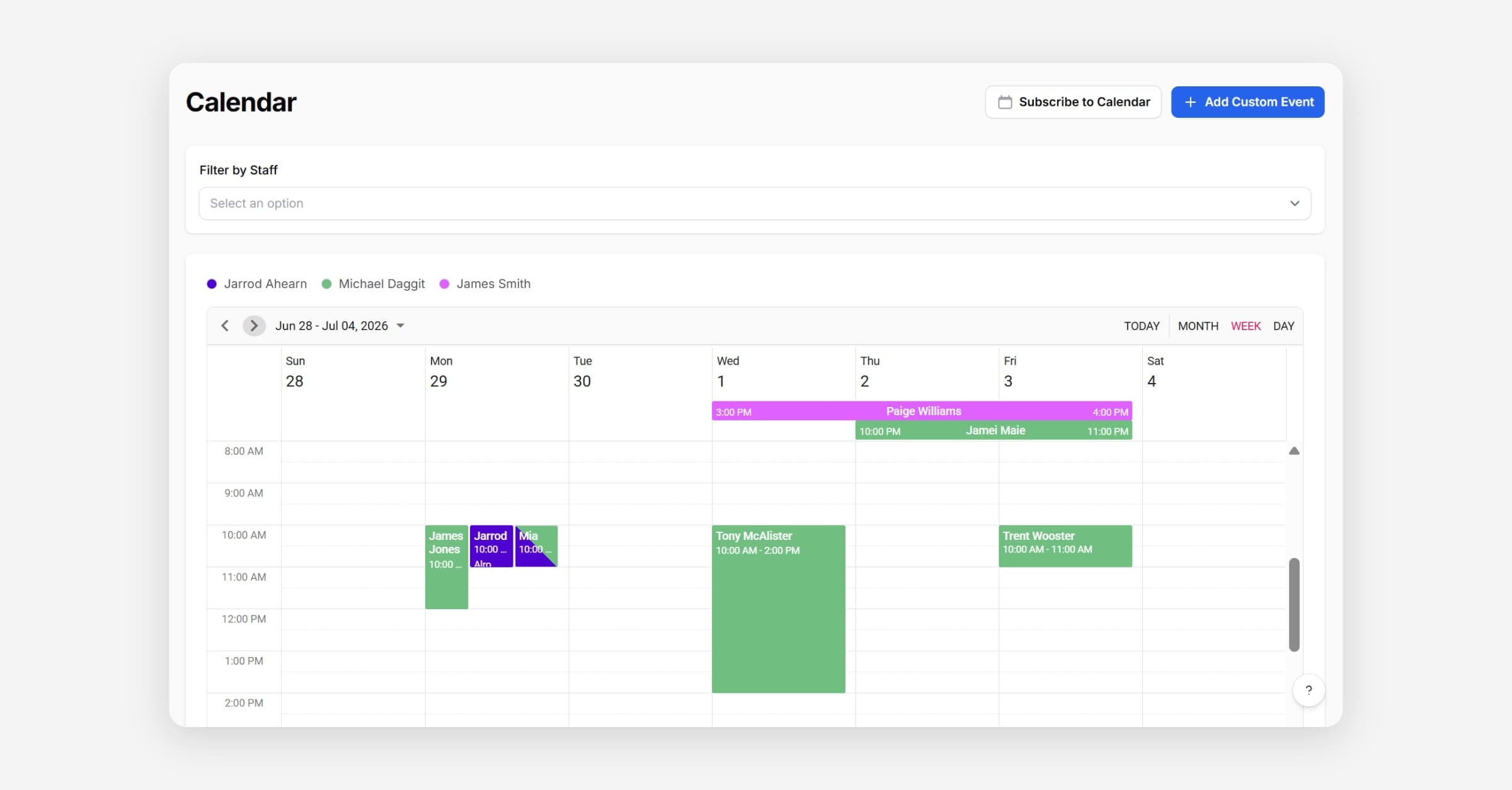
View Bookings on Calendar
Go to Calendar
Events on the calendar are color coded based on staff that are assigned. Where multiple colors are assigned, it means that multiple staff are assigned. You can edit the colors in your staff settings. Learn more
Toggle between Day/Week/Month view by selecting the option in the corner.
Apply Staff Filters to only show events related to specific staff members.
Subscribe to Calendar to send calendar events into external calendar apps, e.g. Google, Outlook. Learn more.
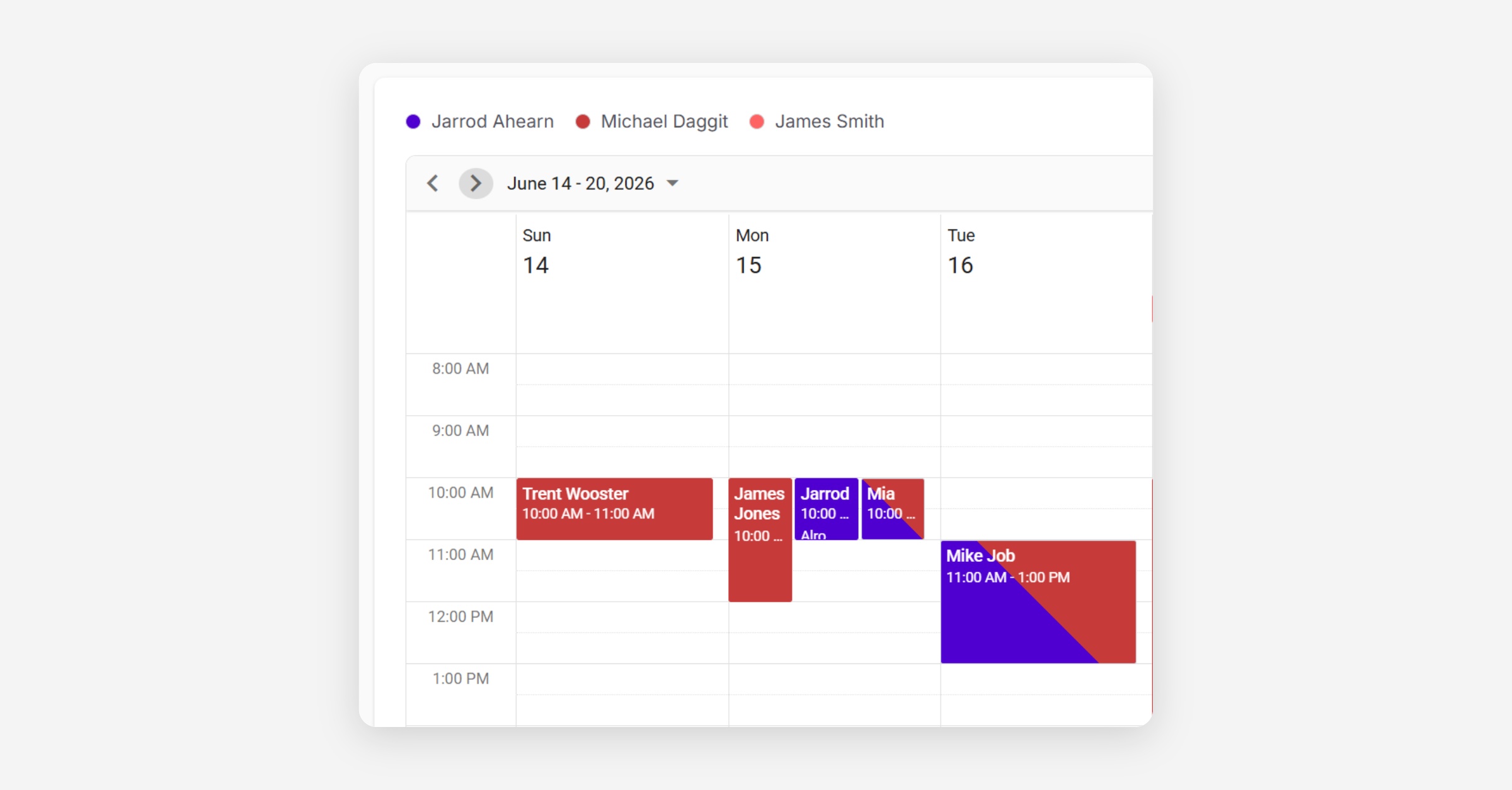
Manage Bookings on the Calendar
The calendar allows you to easily adjust dates and times of booking using a drag and drop. This can save you time having to open the booking and edit attributes manually.
Go to Calendar
Find the Event you would like to move.
Drag and drop the booking into the new date/time you would like.
Confirm the date and time change in the popup.
If a booking is Upcoming, Taskly will send the customer a change notification, so double check the new date and time are correct.
Taskly will not send a notifications for recurring bookings in a Planned state as the customer will receive the correct date/time when they get their reminder email for the upcoming booking.
Was this helpful?