
Taskly
Taskly
  • Docs
  • Changelog
  • Feature requests
  • Support portal
    • Quick Start Guide
    • Update Business Details
    • Update Your Branding
    • Edit Your Booking Radius
    • Setup Quote Acceptance Terms
    • Enable Google Analytics
    • Creating Categories and Services
    • Create Custom Service Forms
    • Enable SMS (Text) Notifications
    • Enable Website Booking Forms
    • Link Facebook and Instagram Accounts on Taskly
    • Setup Taskly for Onsite Bookings
    • Enable Multi Day Bookings
    • Setup Taskly for Mobile
Docs / Setting Up

Enable Multi Day Bookings

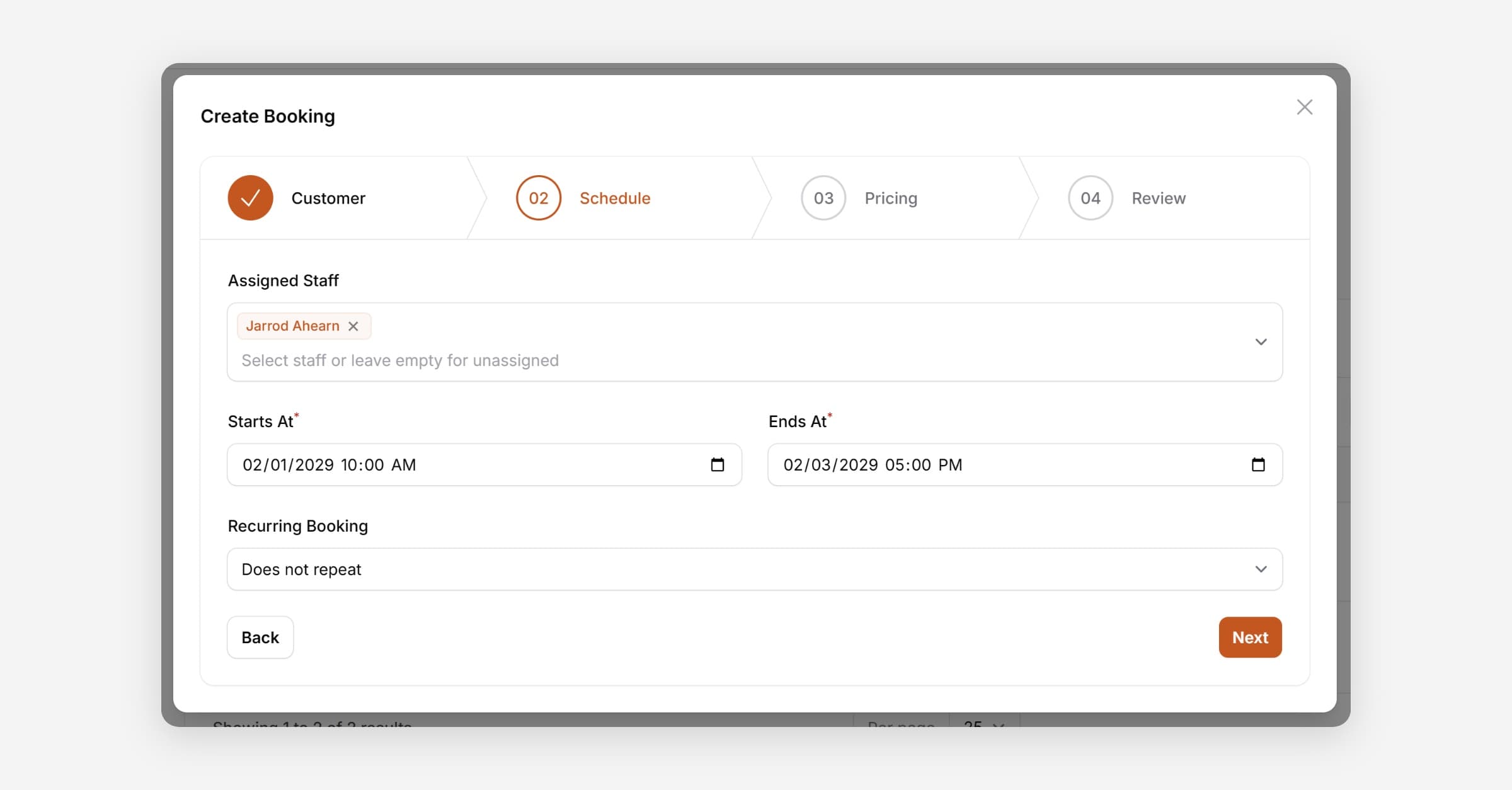
Taskly allows you to accept bookings that can span over multiple days/weeks or even months. This can be useful for long format jobs. The following article outlines how to accept multi-day bookings.
Enable Multi Day Bookings

Taskly allows you to accept bookings that span multiple days, weeks, or even months — useful for long-format jobs. The following article outlines how to enable multi-day bookings.

  1. Go to Settings and select Business Settings

  2. Enable Multi-Day Bookings

  3. Press Save Changes

PrevSetup Taskly for Onsite Bookings
NextSetup Taskly for Mobile
Was this helpful?