
Setup New Lead Notifications
Taskly informs you as soon as new leads are received so you can quickly quote clients and win the job. The following article outlines how to opt in to new lead notifications.
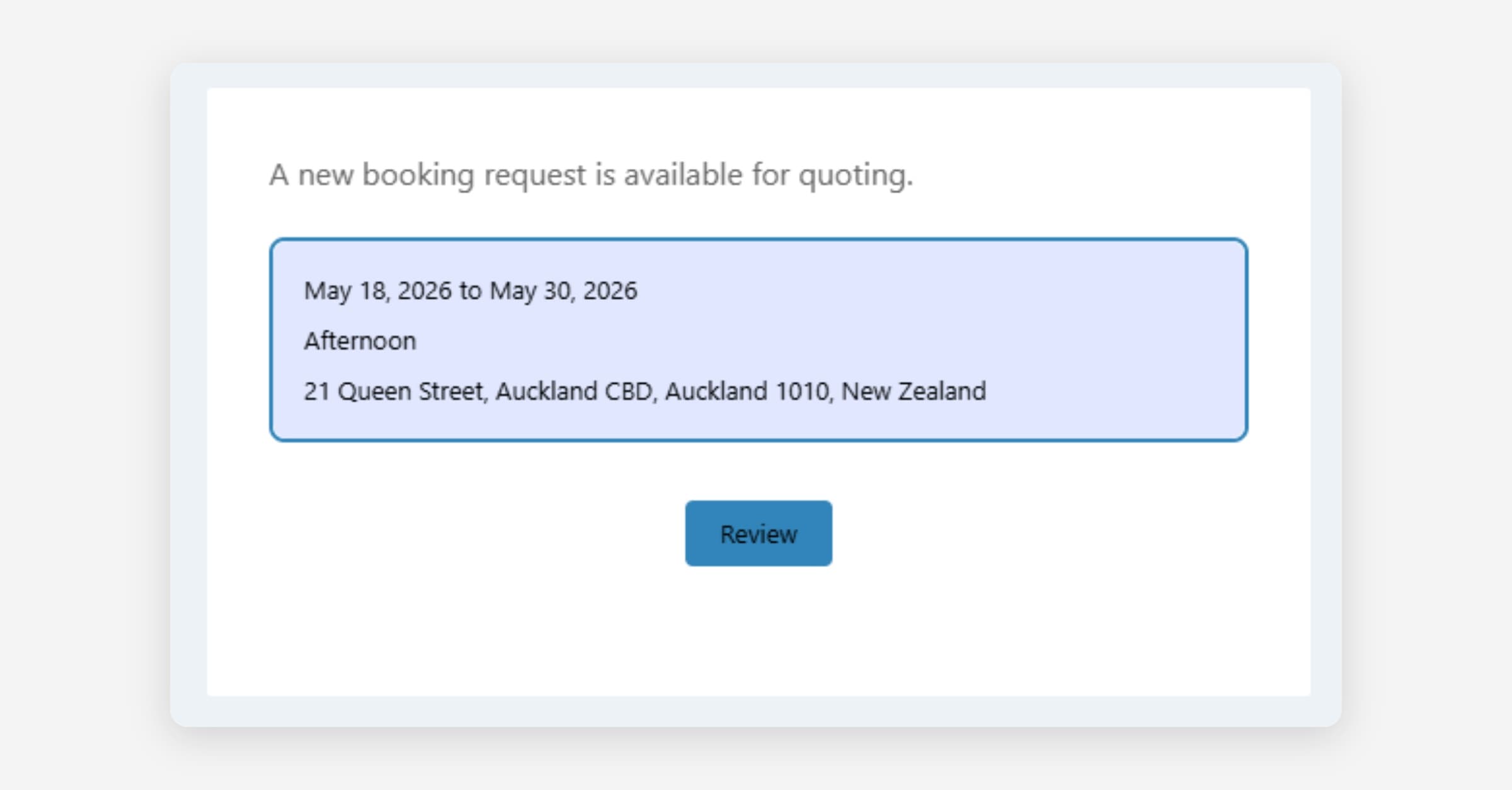
Taskly informs you as soon as new booking requests are received so you can quickly quote and win the job. The following article outlines how to set up new lead notifications.
Go to Settings and select Communication
Under New Booking Requests, enable Email, SMS, or both
SMS notifications require SMS to be enabled. Learn how to enable SMS.
Press Save Changes
Was this helpful?