
Setup Quote Acceptance Terms
Taskly allows you to configure quote acceptance terms that are displayed to customers when you issue quotes, and saved in the customer portal. The following article outlines how to set/edit your acceptance terms.
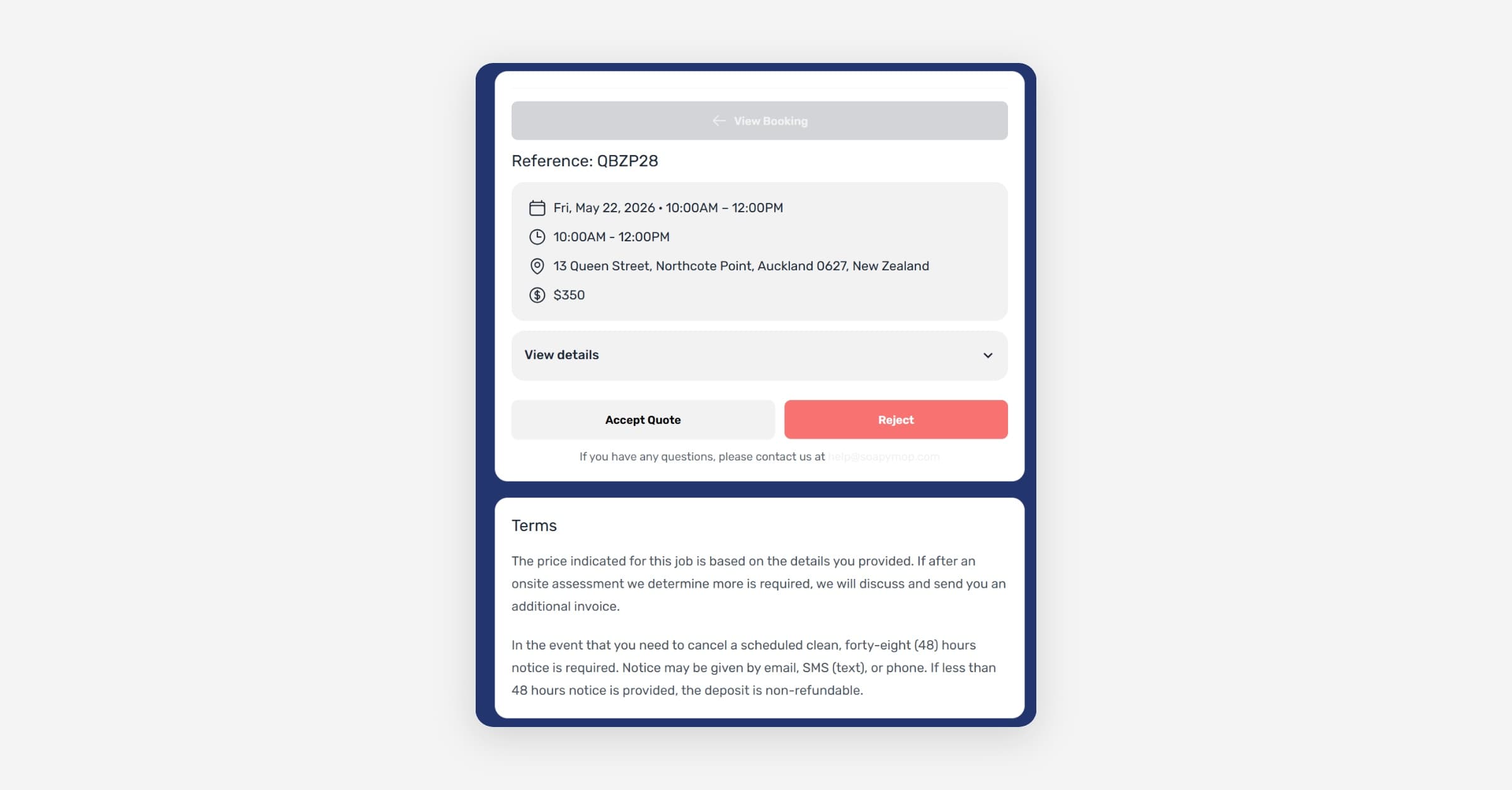
Taskly allows you to configure quote acceptance terms that are displayed to customers when you issue quotes. The following article outlines how to set up your acceptance terms.
Go to Settings and open Website Settings
Scroll to Quote terms
Enter your terms in the text editor — a preview is displayed below as you type
Press Save Changes
Whenever a customer is issued a quote, they will be required to accept these terms before confirming.
Was this helpful?