
Taskly
Taskly
  • Docs
  • Changelog
  • Feature requests
  • Support portal
    • Create and Import Customer Records
    • Unsubscribe a Customer from SMS
    • Tag a Customer
    • View a Customers Bookings
    • Export Contacts
    • Report on Contact Last Booking Date
    • Add a Staff Member/Provider
Docs / Contact Management

Unsubscribe a Customer from SMS

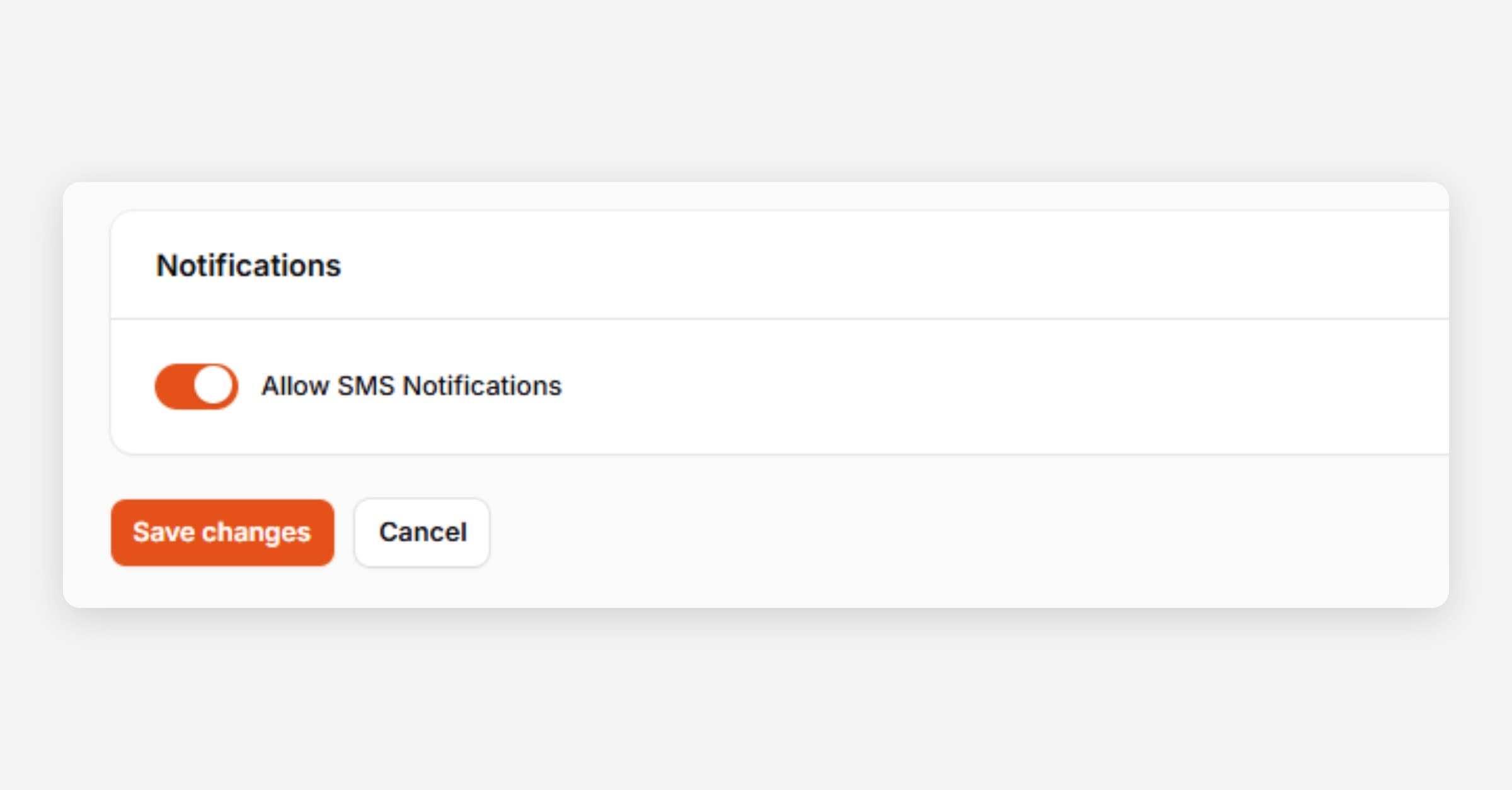
You may be at times asked by your customers to stop sending them texts related to their bookings. The following article outlines how to disable SMS sending for a particular customer.
Unsubscribe a Customer from SMS
  1. Open the Customer record you would like to stop SMS notifications for.

  2. Disable Allow SMS Notifications.

  3. Press Save Changes.

PrevCreate and Import Customer Records
NextTag a Customer
Was this helpful?