
Send Overdue Payment Reminders
Taskly allows you to send overdue payment reminders for customers that have unpaid invoices that have past their due date. The following article outlines how to send overdue payment reminders.
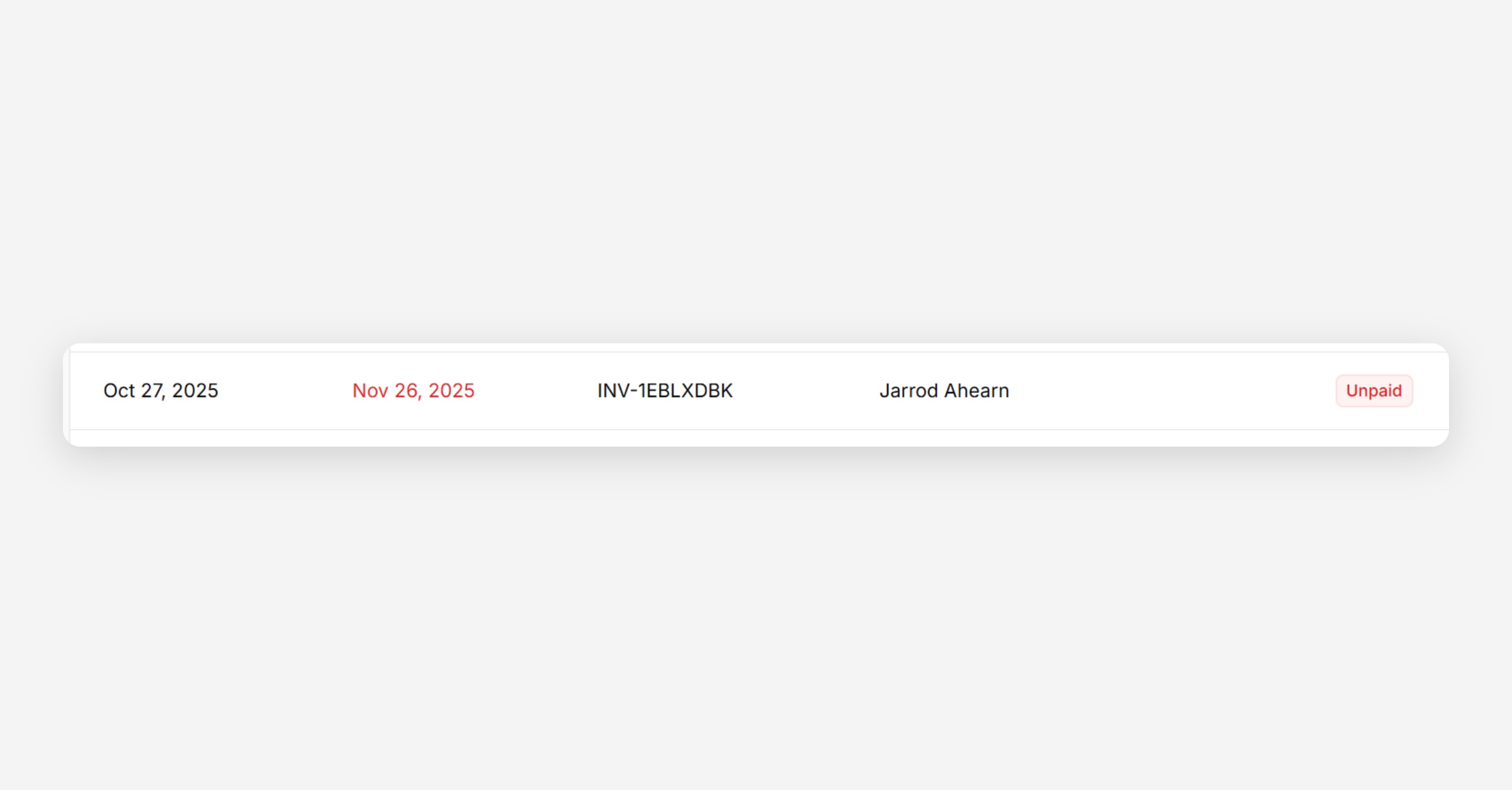
Click Invoices and scroll to the overdue invoice.
You can easily find overdue invoices by sorting by the payment status. Where a due date is red and payment status is red unpaid the invoice is overdue.
Open the Invoice
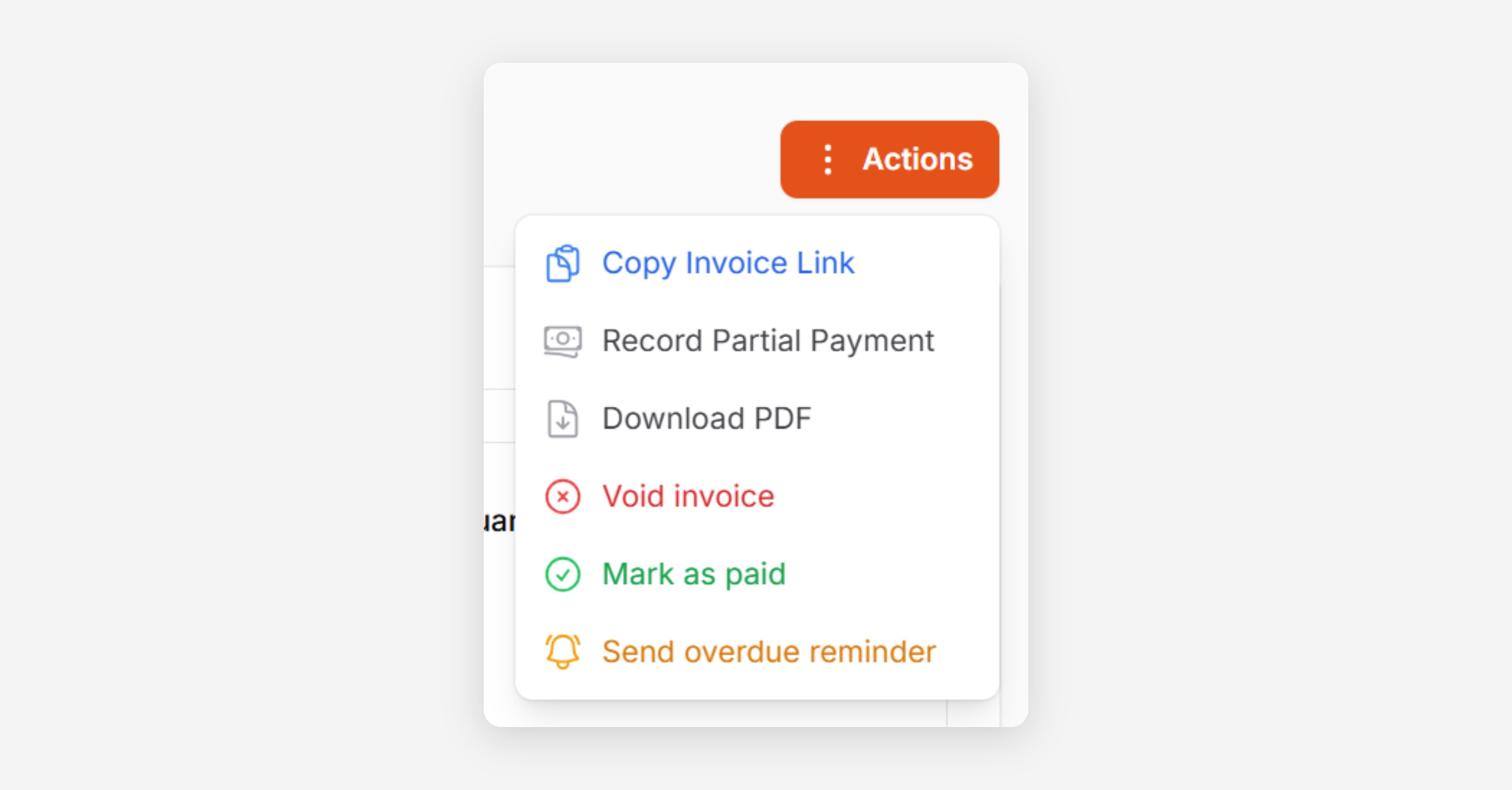
Click Actions and select Send overdue reminder
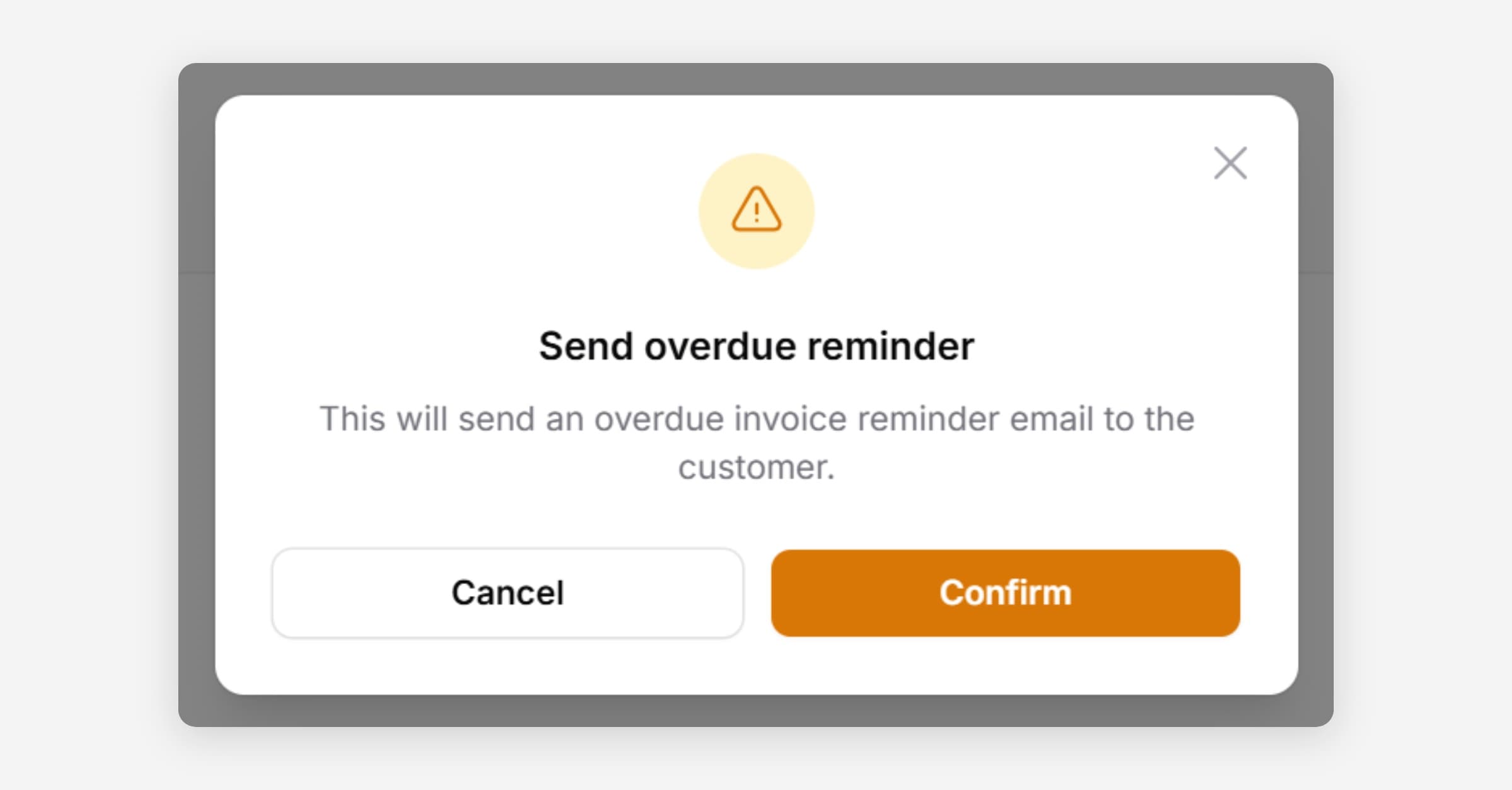
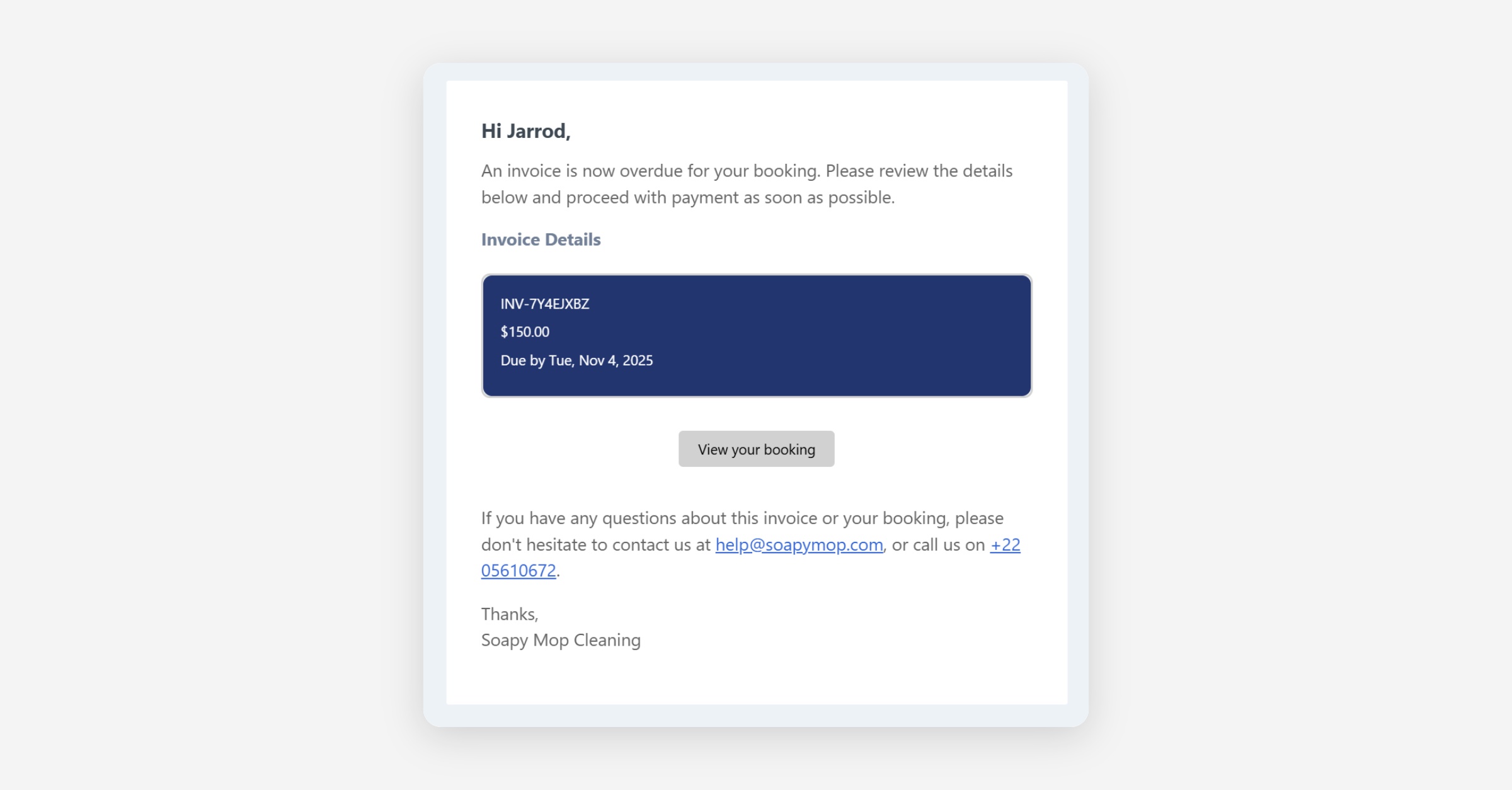
Press Confirm. The reminder will be sent immediately.
Was this helpful?