
Enable Deposits
Taskly allows you to enable deposits so that you improve cashflow and secure commitment from clients before completing a job. The following article outlines how to enable deposits.
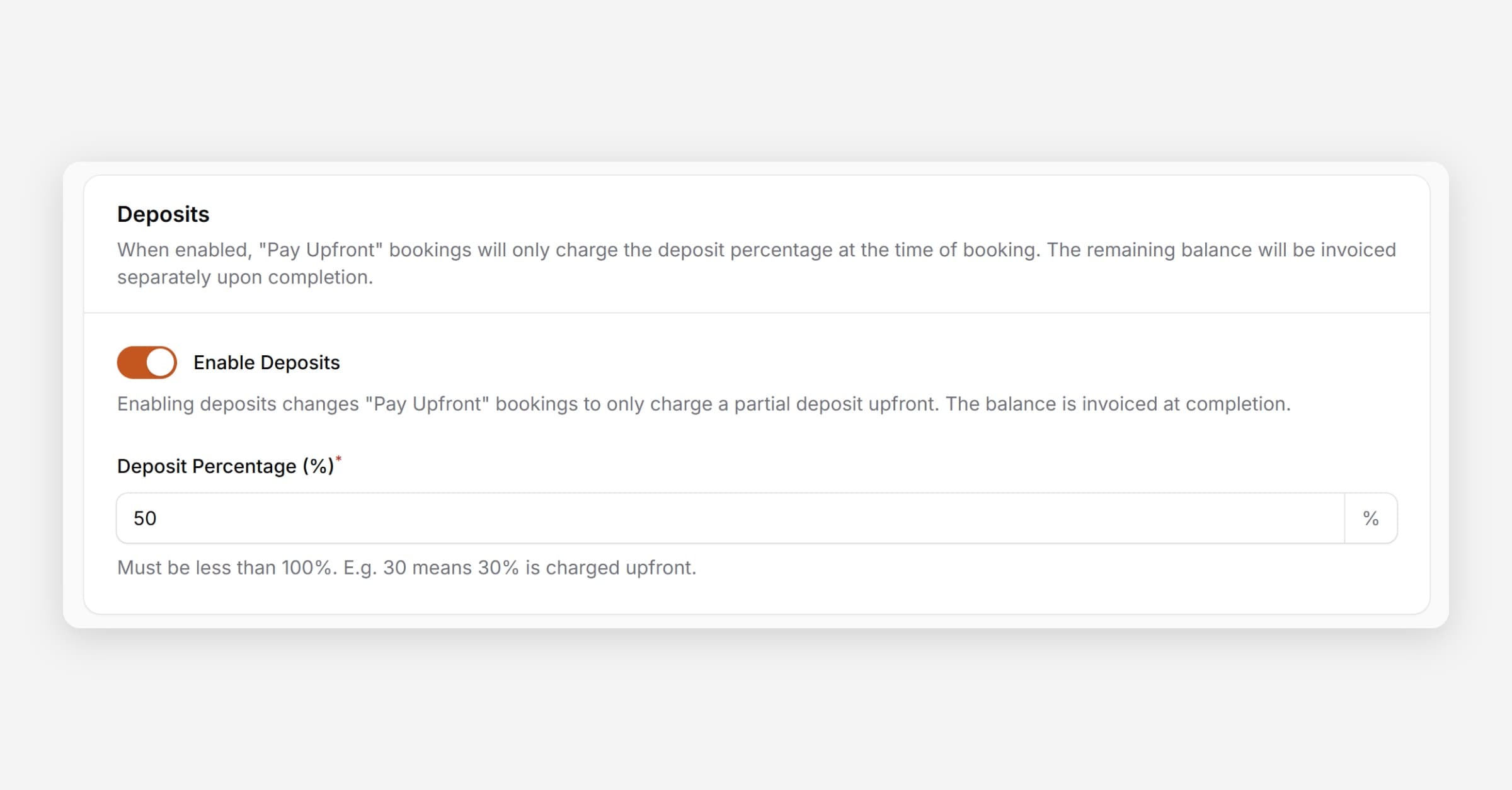
Taskly allows you to enable deposits to improve cashflow and secure commitment from customers before completing a job. The following article outlines how to enable deposits.
Deposits only apply when using the Before Booking Starts payment workflow. Customers will be charged the deposit percentage upfront, with the remaining balance invoiced automatically when the booking is marked as complete.
Go to Settings and select Payment Settings
Scroll to Deposits
Enable the toggle and set your Deposit Percentage
Press Save Changes
Was this helpful?