Taskly
Taskly
  • Docs
  • Changelog
  • Feature requests
  • Support portal
    • Create and Import Customer Records
    • Unsubscribe a Customer from SMS
    • Tag a Customer
    • View a Customers Bookings
    • Export Contacts
    • Report on Contact Last Booking Date
    • Add a Staff Member/Provider
Docs / Contact Management

Tag a Customer

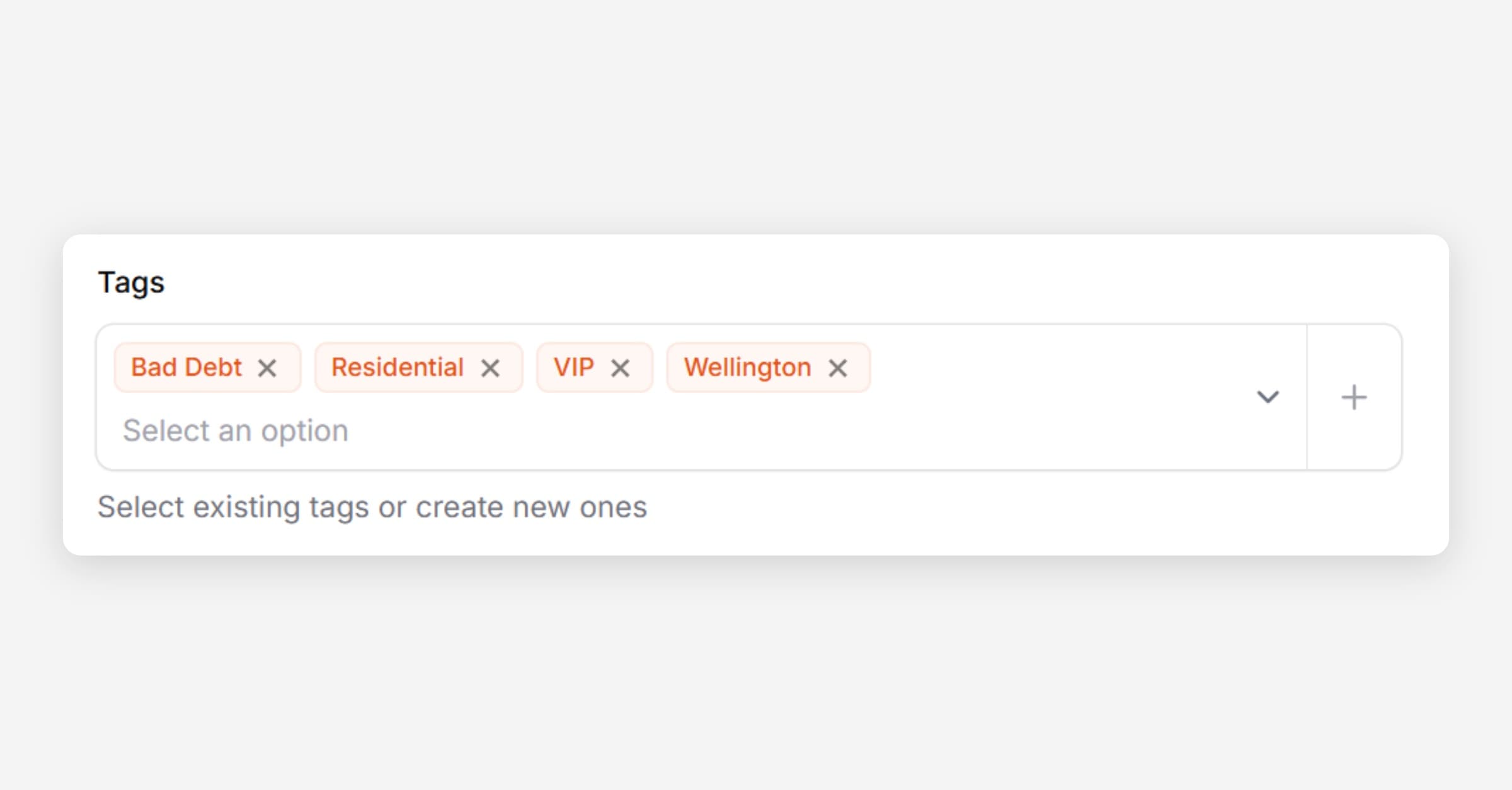
Taskly allows you to add tags to your customer records to help organise and filter your contacts. The following article outlines how to create and apply tags to customers.
Tag a Customer

Apply a Tag to a Customer

  1. Open Customers

  2. Find the Customer you would like to tag.

  3. Apply existing tags or press + to add a new tag
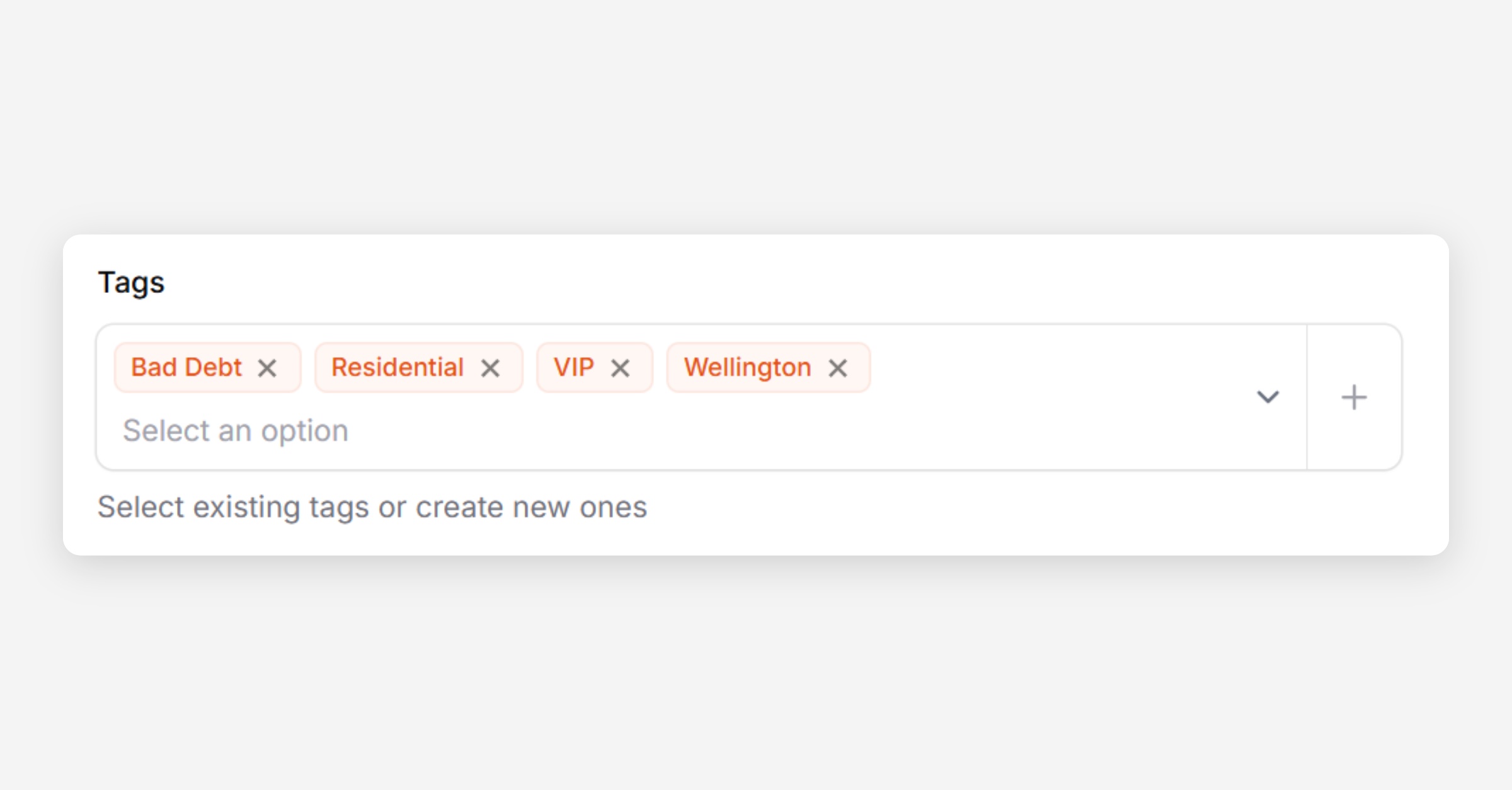
  4. Press Save Changes

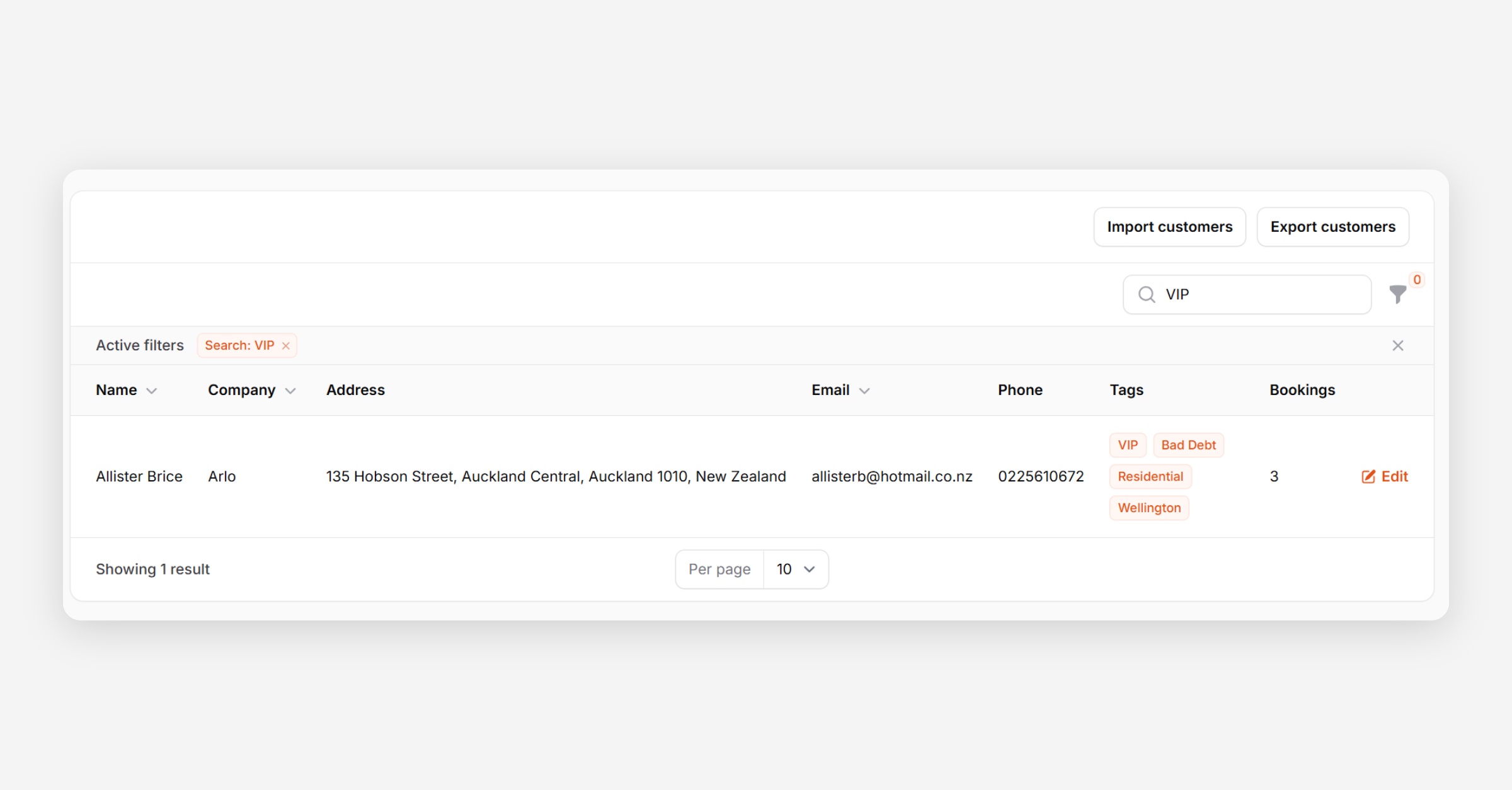
Search for Tagged Customers

  1. Open Customers

  2. Enter the Tag in Search

PrevUnsubscribe a Customer from SMS
NextView a Customers Bookings
Was this helpful?