
Taskly
Taskly
  • Docs
  • Changelog
  • Feature requests
  • Support portal
    • Create and Import Customer Records
    • Unsubscribe a Customer from SMS
    • Tag a Customer
    • View a Customers Bookings
    • Export Contacts
    • Report on Contact Last Booking Date
    • Add a Staff Member/Provider
Docs / Contact Management

Export Contacts

Taskly allows you to export your customer records so you can back up your data or use it in other tools. The following article outlines how to export your contacts list.
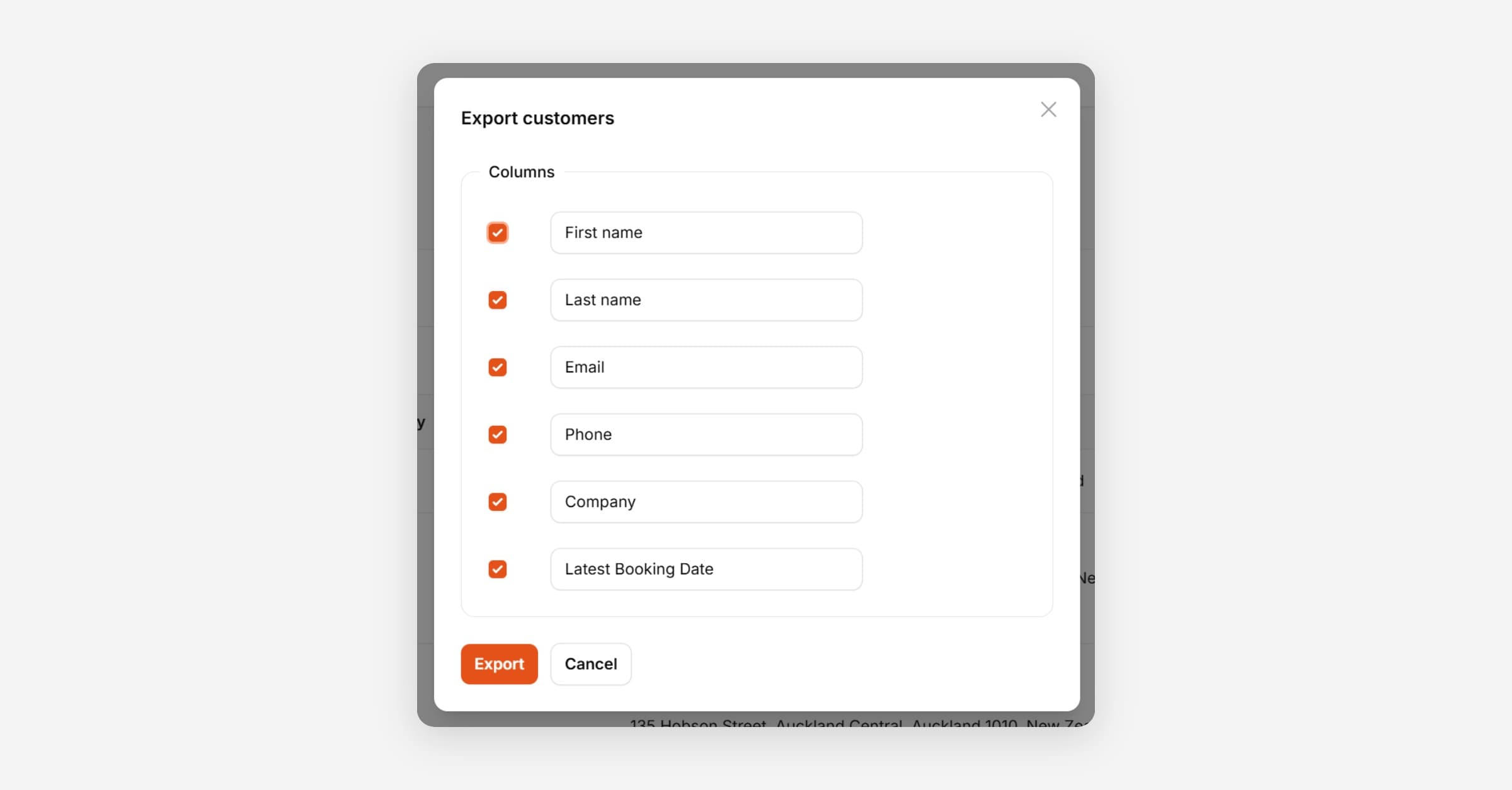
Export Contacts
  1. Open Customers

  2. Press Export Customers

  3. Select/rename the Columns to export.

  4. Press Export

    The export will run in the background and you’ll receive a notification in Taskly when it has been completed.

PrevView a Customers Bookings
NextReport on Contact Last Booking Date
Was this helpful?