
Setup Booking Reminders
Taskly allows you to send your customers and staff automated booking reminders, either via email, SMS, or both. The following article outlines how to set up booking reminders.
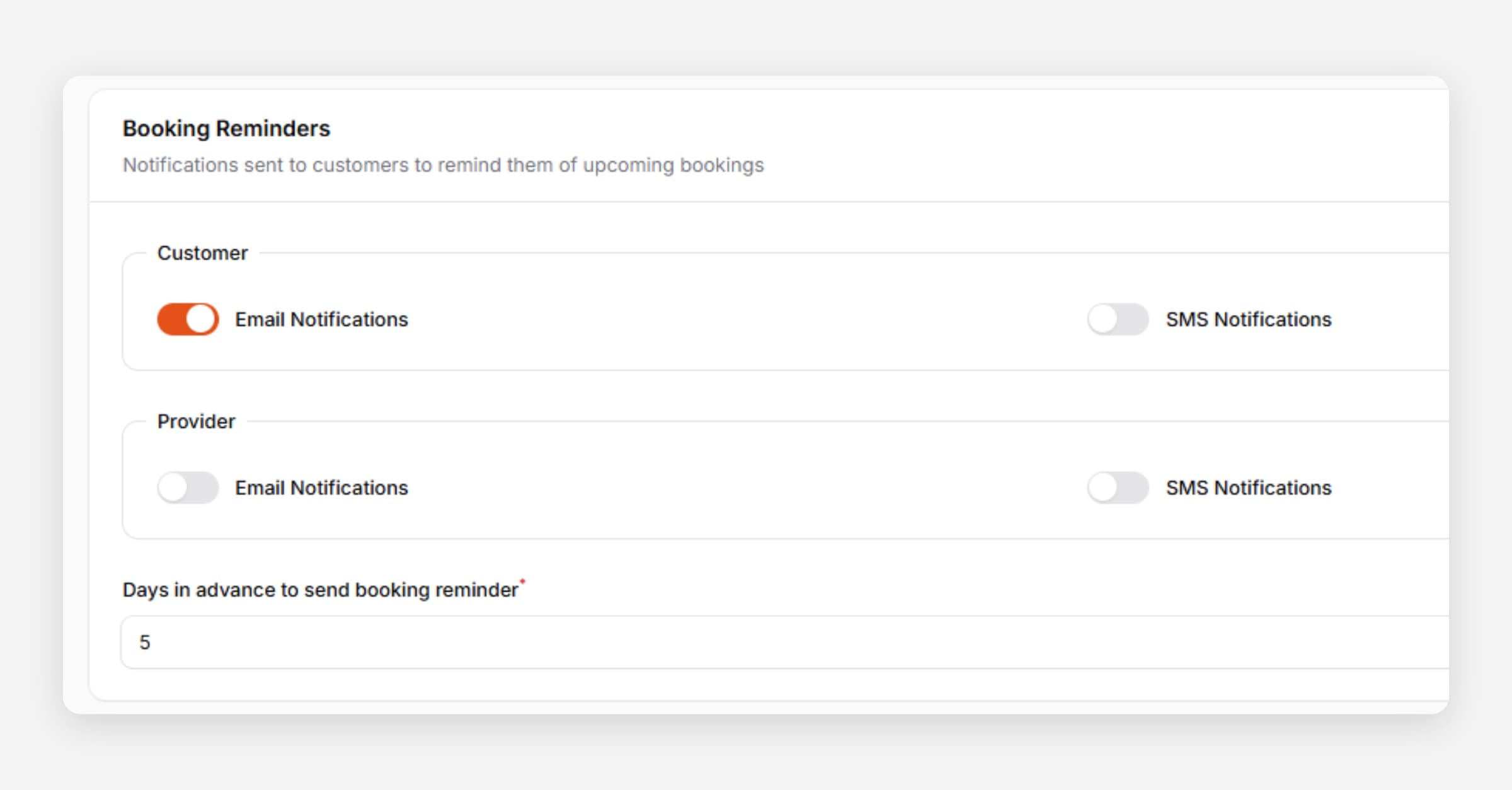
Taskly allows you to send automated booking reminders to your customers and staff, either via email, SMS, or both. The following article outlines how to set up booking reminders.
Go to Settings and select Communication
Scroll to Booking Reminders
Enable reminders for Customers, Providers (Staff), or both
SMS reminders require SMS to be enabled. Learn how to enable SMS.
Set Days in Advance to Send Booking Reminder
Press Save Changes
Was this helpful?