
Create and Edit Message Templates
Taskly allows to save message templates that you can easily use to communicate with your customers, for example sending a message alongside your quotes. The following article outlines how to create and edit new message templates.
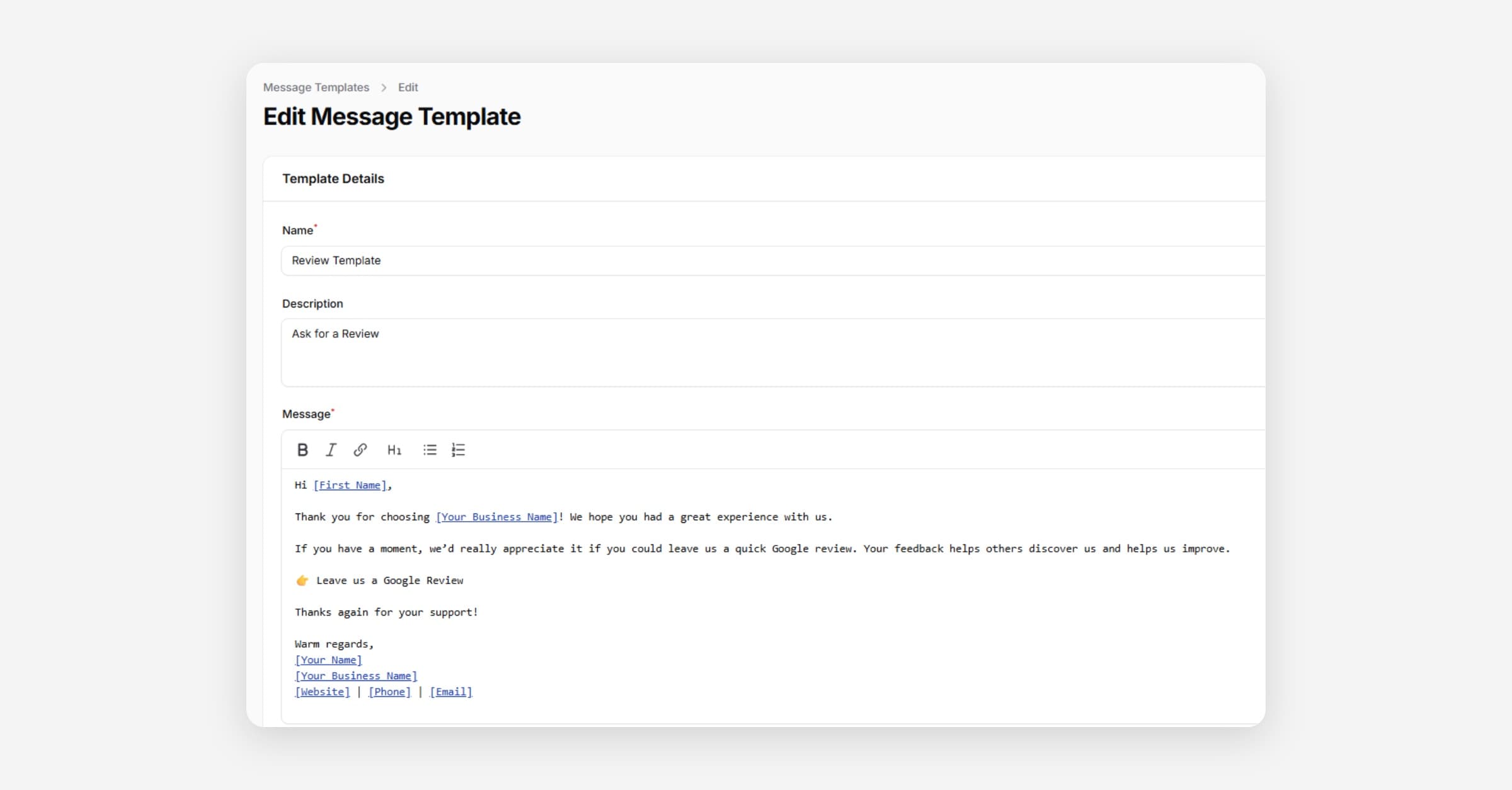
Taskly allows you to save message templates that you can use to communicate with your customers, for example, sending a message alongside your quotes, or using Send Message from a Bulk Request, Booking Request, Quote or Booking. The following article outlines how to create and edit message templates.
Create a New Message Template
Go to Message Templates
Press New Message Template
Enter the Name, and (optional) Description of the Message Template.
These are internal only attributes to help you identify the template during selection.
Enter the Message. You can preview the message below the template.
Only enter the body of the message. Taskly automatically adds the greeting and sign-off, so don't include these in the template itself.
Press Create.
Edit New Message Template
Go to Message Templates
Press Edit and make the desired changes to your message template.
Press Save Changes.
Delete a Message Template
Go to Message Templates
Press Delete.
Confirm the Deletion by pressing Delete.
Was this helpful?