
Create and Manage Custom Events
Taskly allows you to create custom events on your calendar to block out time for things that aren't standard bookings, such as recurring meetings, breaks, or personal commitments. The following article outlines how to create and manage custom events.
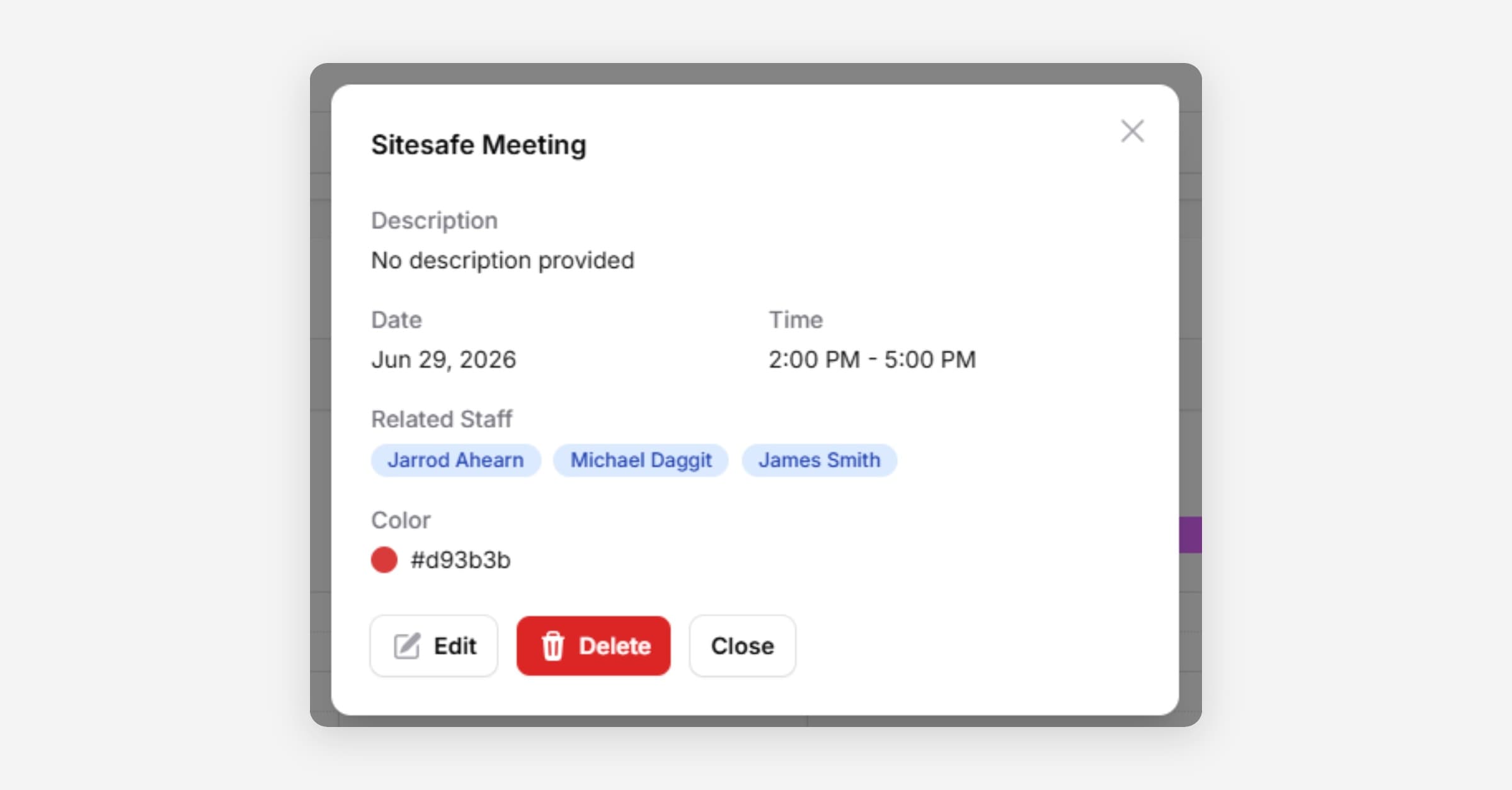
Create a Custom Event
Go to Calendar
Press Add Custom Event
Enter the custom event details, and choose whether or not to notify assigned staff of the creation.
Press Create Event
Edit/Delete a Custom Event
Go to Calendar
Find the Custom Event
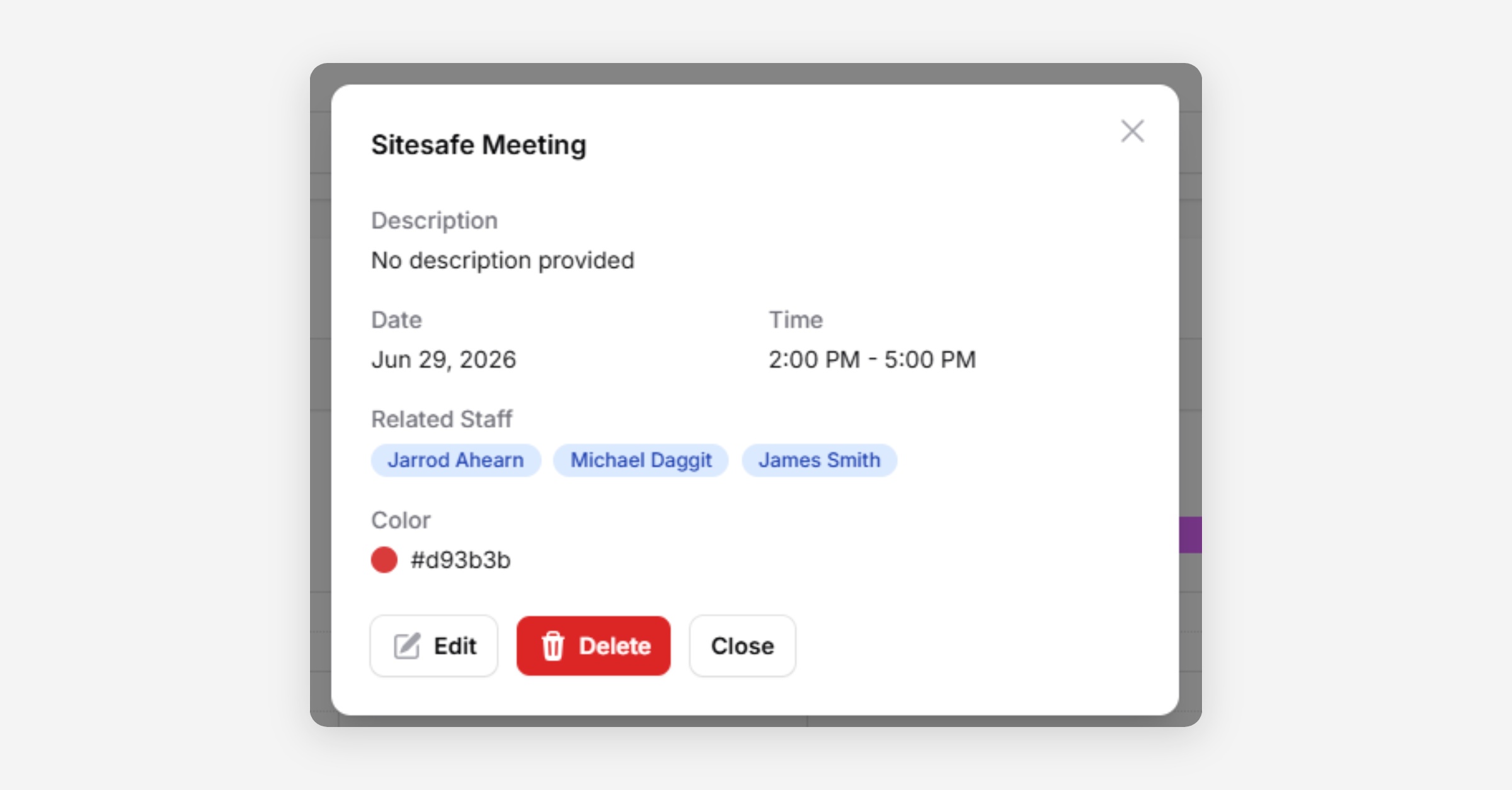
Click on it, and press Edit or Delete.
Was this helpful?