
Edit Your Booking Radius
Your booking radius settings controls how far away you accept bookings from on your website booking forms. The following guide outlines how to edit the booking radius.
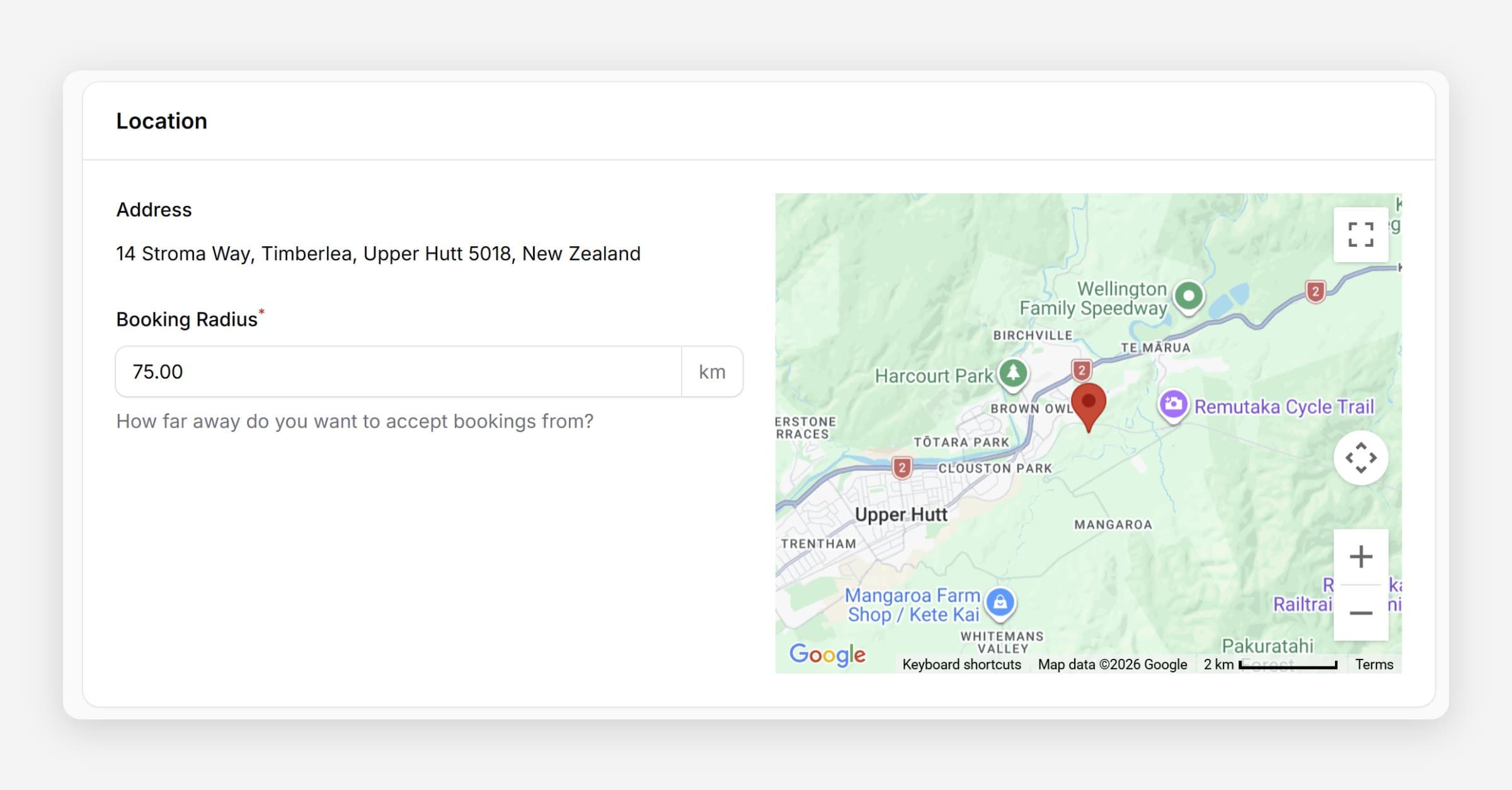
Taskly allows you to set an optional booking radius that controls how far from your business address you will accept bookings on your website booking forms. The following guide outlines how to edit or remove the booking radius.
A booking radius is optional. If you leave it blank, you can accept bookings from anywhere.
Edit Your Booking Radius
Go to Settings and open Business Settings
Enter the Booking Radius in kilometres — this is calculated from your business address. To accept bookings from anywhere, leave the field blank.
If a customer outside your radius enters their address on your website booking form, they will be shown a message that bookings are not accepted from their location. It's better to set a larger radius and factor travel time into your quotes than to set it too small.
Press Save Changes
Was this helpful?