
Subscribe to Calendar Events
Taskly allows you to subscribe to your booking calendar so that your jobs appear directly in your preferred calendar app, such as Google Calendar or Apple Calendar. The following article outlines how to set up a calendar subscription.
Go to Calendar
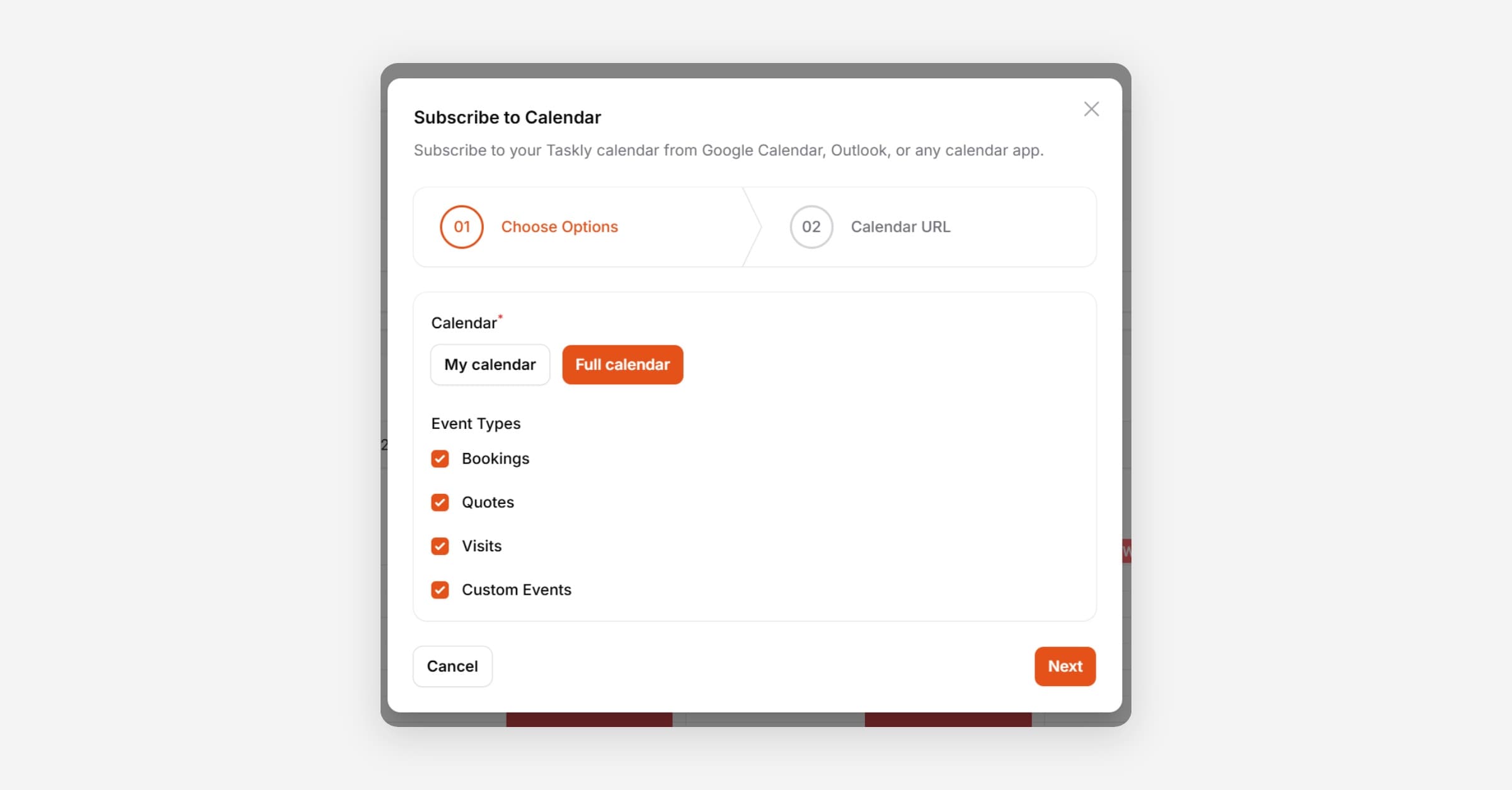
Press Subscribe to Calendar
Choose to subscribe to your own events only, or all events.
Select the Event Types to subscribe to.
Press Next
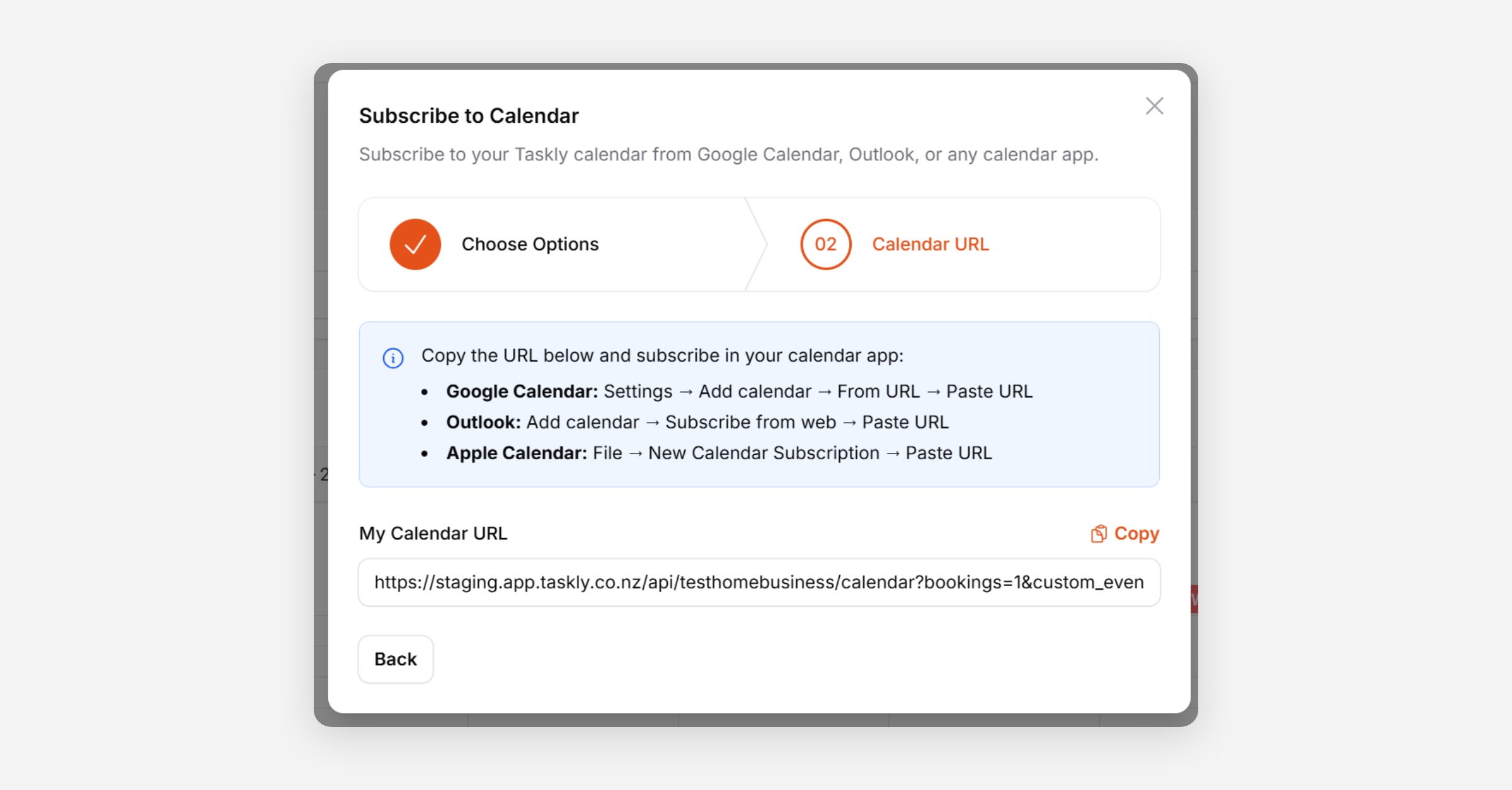
Copy the URL generated and follow the instructions displayed on screen to subscribe using your calendar app of choice.
Was this helpful?