
Enable SMS (Text) Notifications
Taskly allows you to turn on SMS notification for things like new booking request notifications, reminders, on my way texts, and review follow ups. The following article outlines how to enable SMS notifications.
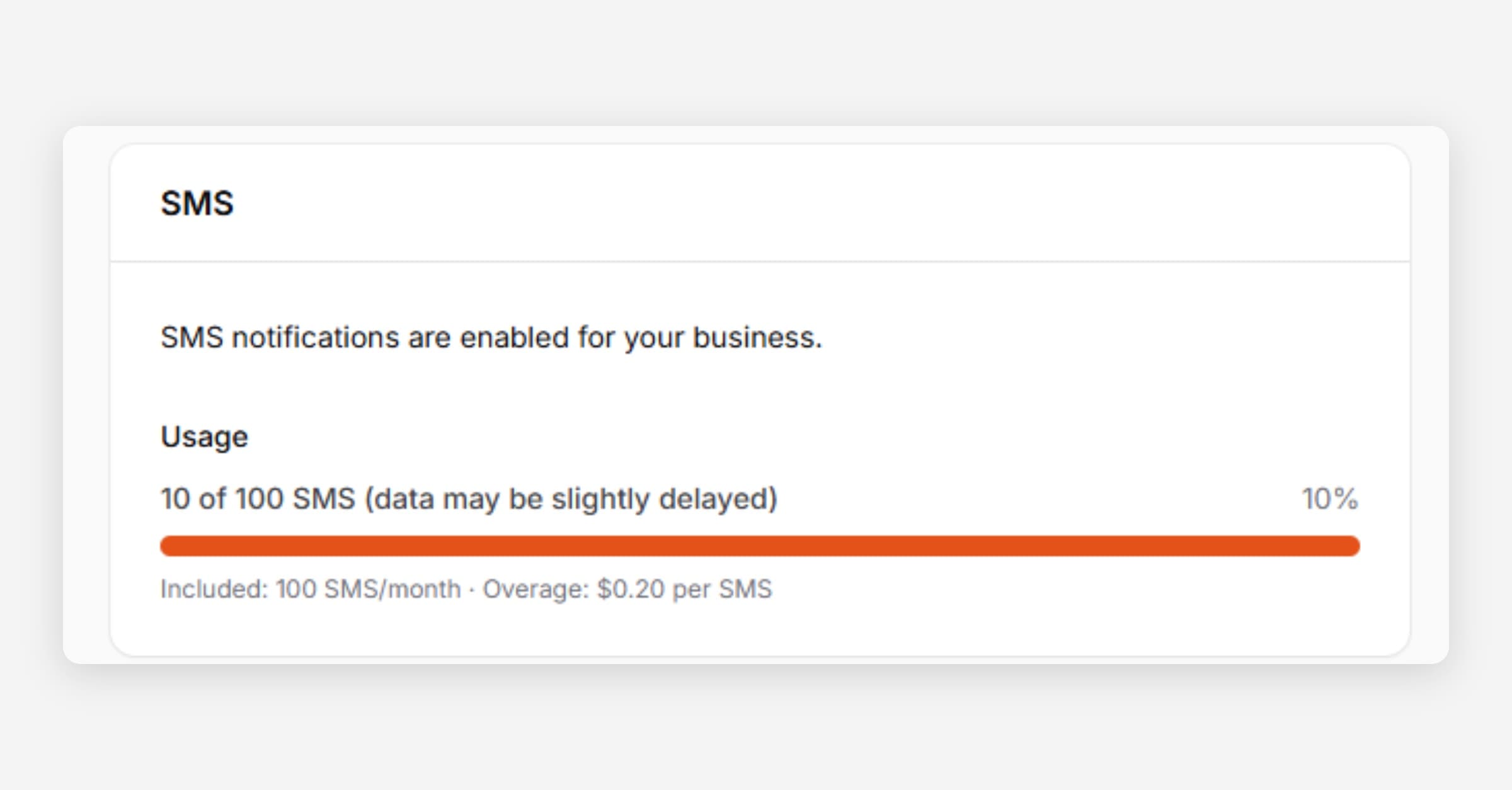
Before you can turn on SMS notifications, you will need to subscribe to an SMS bundle pack. SMS is not available while your account is on a free trial, you will need to subscribe to a paid plan first.
Subscribe/Enable SMS
Go to Settings then Communication
Press Enable SMS
Select the SMS Plan you would like.
If you exceed your plan allowance in any given month, you will be charged an overage rate (displayed in-app).
Press Save. You are now ready to choose which SMSs to have Taskly send.
Track SMS Usage
Go to Settings then Communication
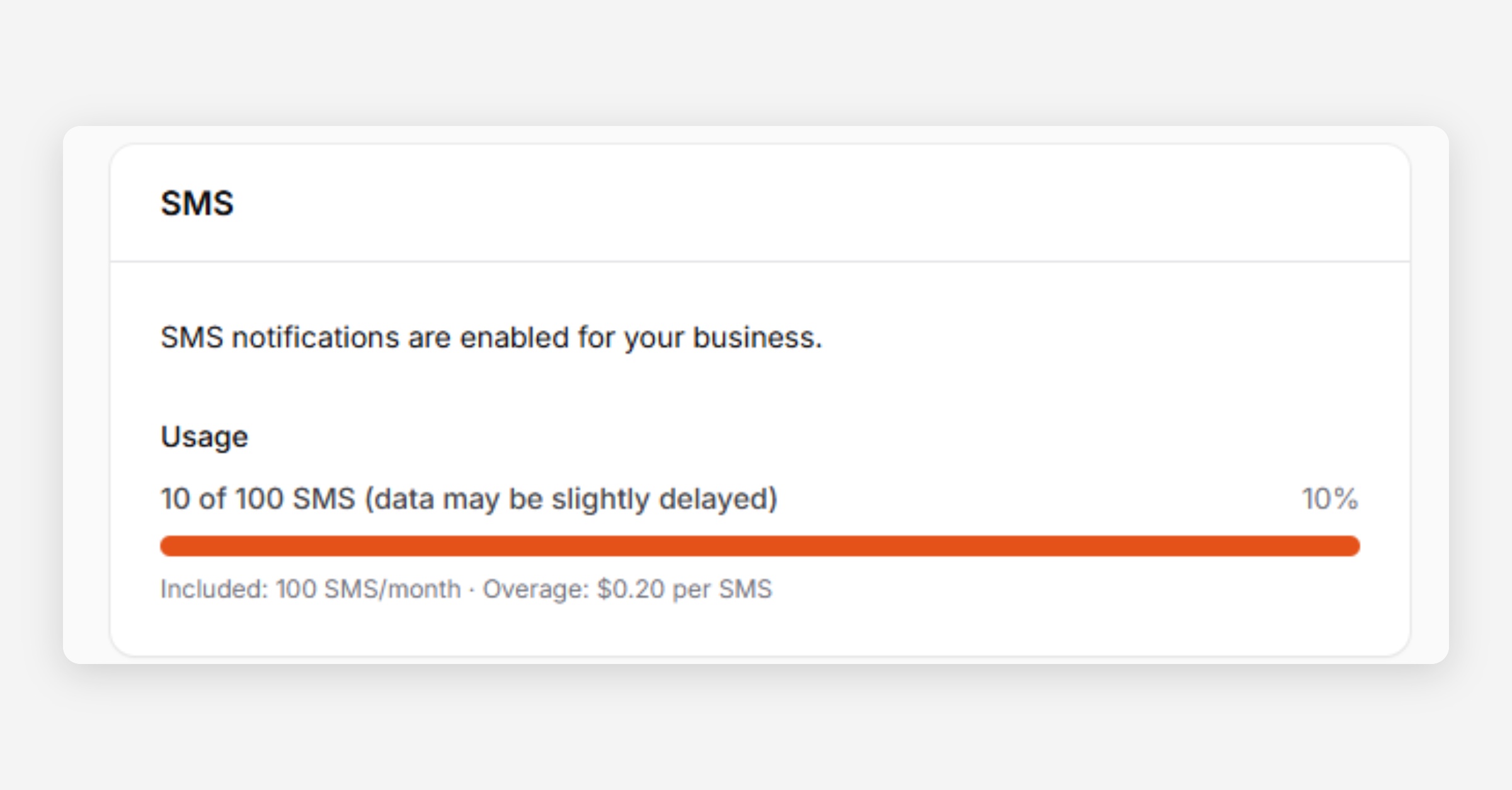
SMS Usage is displayed at the top of the screen. If you exceed your plan allowance in any given month, you will be charged an overage rate (displayed in-app)
Enable /Disable SMS Notifications
Go to Settings then Communication
Choose to Enable/Disable SMS’s
Customer Reminders
Uses (x) days in advance to send booking reminder setting
Staff (Provider) Reminders
Uses (x) days in advance to send booking reminder setting
Booking Review Request
Sent immediately on booking completion
On My Way Notification
Sent adhoc When triggered. Learn how to trigger an on my way SMS.
Press Save Changes
Was this helpful?