
Set Default Payment Due Date
Taskly allows you to set a default payment due date on invoices issued. The following article explains how to edit the due date on your invoices.
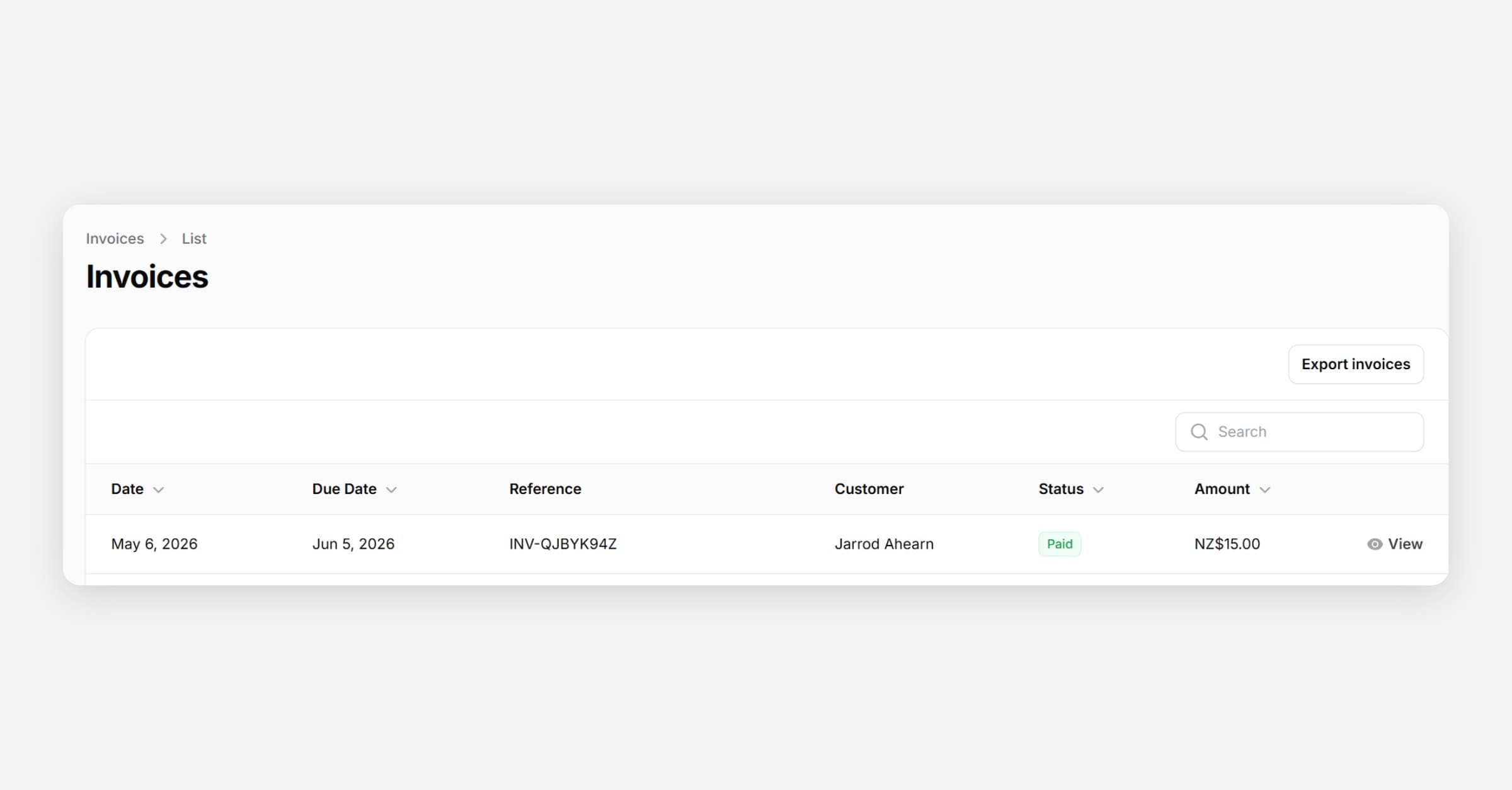
Taskly allows you to set a default payment due date so that all invoices are issued with a consistent due date. The following article outlines how to set the default invoice due date. You you will still have the option of editing an individual invoices due date when you are creating it if you need to.
Go to Settings and open Payment Settings
Scroll to Invoice Due In (Days) and enter the number of days you would like to give customers to pay
Press Save Changes
When a payment becomes overdue and has not been marked as paid, you can send overdue payment reminders. Learn how to send overdue reminders.
Was this helpful?