
Manage Booking Reviews
Taskly allows you to see and manage all customer feedback, so that you can stay on top of how your customers feel about your service. The following article outlines how to manage booking review feedback.
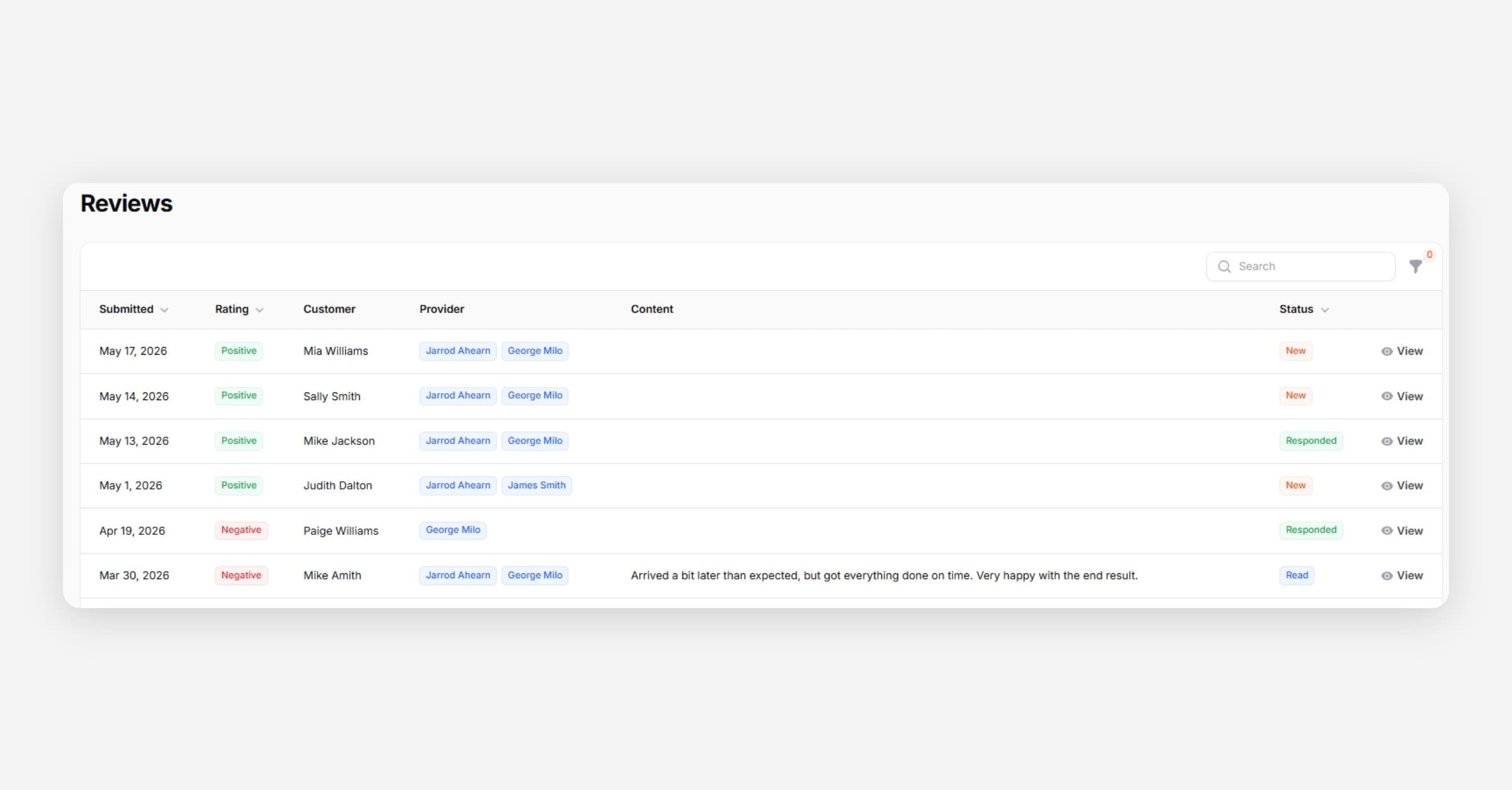
Taskly allows you to view and manage all customer reviews so you can stay on top of how customers feel about your service. The following article outlines how to manage booking review feedback.
Go to Reviews — the number in brackets indicates how many new reviews you have
Open a review to read the feedback
Mark it as Read and/or Responded to track which customers you or your team may need to follow up with
If you have a Google My Business profile linked to Taskly, positive reviews will still appear in your Reviews list but without commentary, as customers who leave positive feedback are directed to your Google profile instead.
Was this helpful?