
Update Business Details
You can easily update your business details so that customers can reach you for information regarding their quotes and bookings. The following article outlines how to update your contact details.
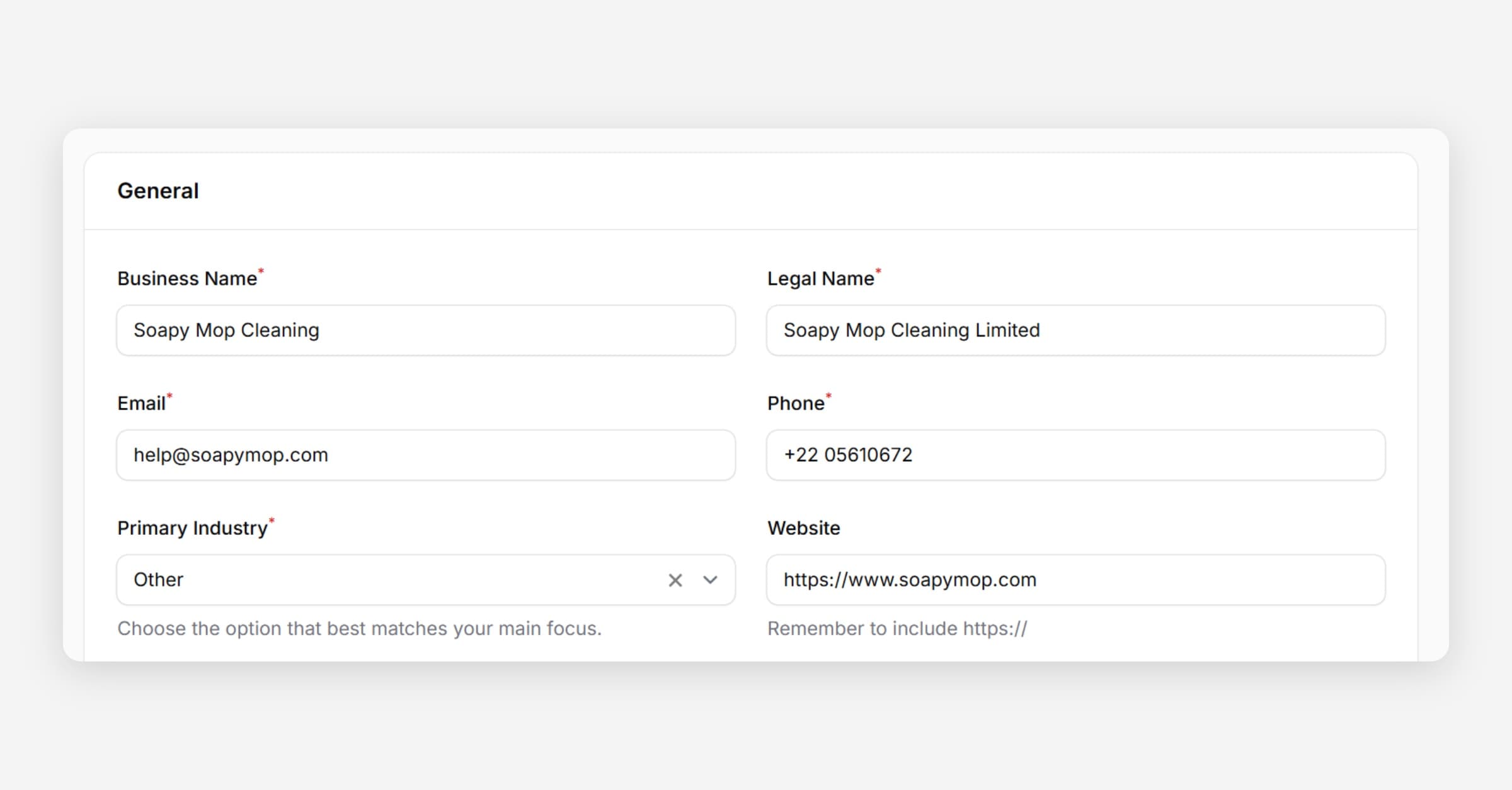
Taskly allows you to update your business details so that customers can reach you regarding their quotes and bookings. The following article outlines how to update your business details.
Go to Settings and open Business Settings
Edit your Business Name, Legal Name (used on invoices), Website, Phone, and Email as required.
Taskly will point customers to your website after they have submitted your online booking form. Make sure your website URL includes https://
Enter your Business Address. Only the City and Suburb will be displayed on your invoices. Taskly will not disclose your business address in full.
Press Save Changes.
Was this helpful?