
Send 'On-My-Way' SMS
Taskly allows you to send your customers an on-my-way notification so that you can inform them when you are on your way to a job. The following article outlines how to configure and send an on-my-way SMS.
Before you can send on-way SMS notifications, you will need to subscribe to an SMS bundle pack. Learn how to subscribe to SMS.
Configure ‘On My Way’ SMS
Go to Settings then Communication
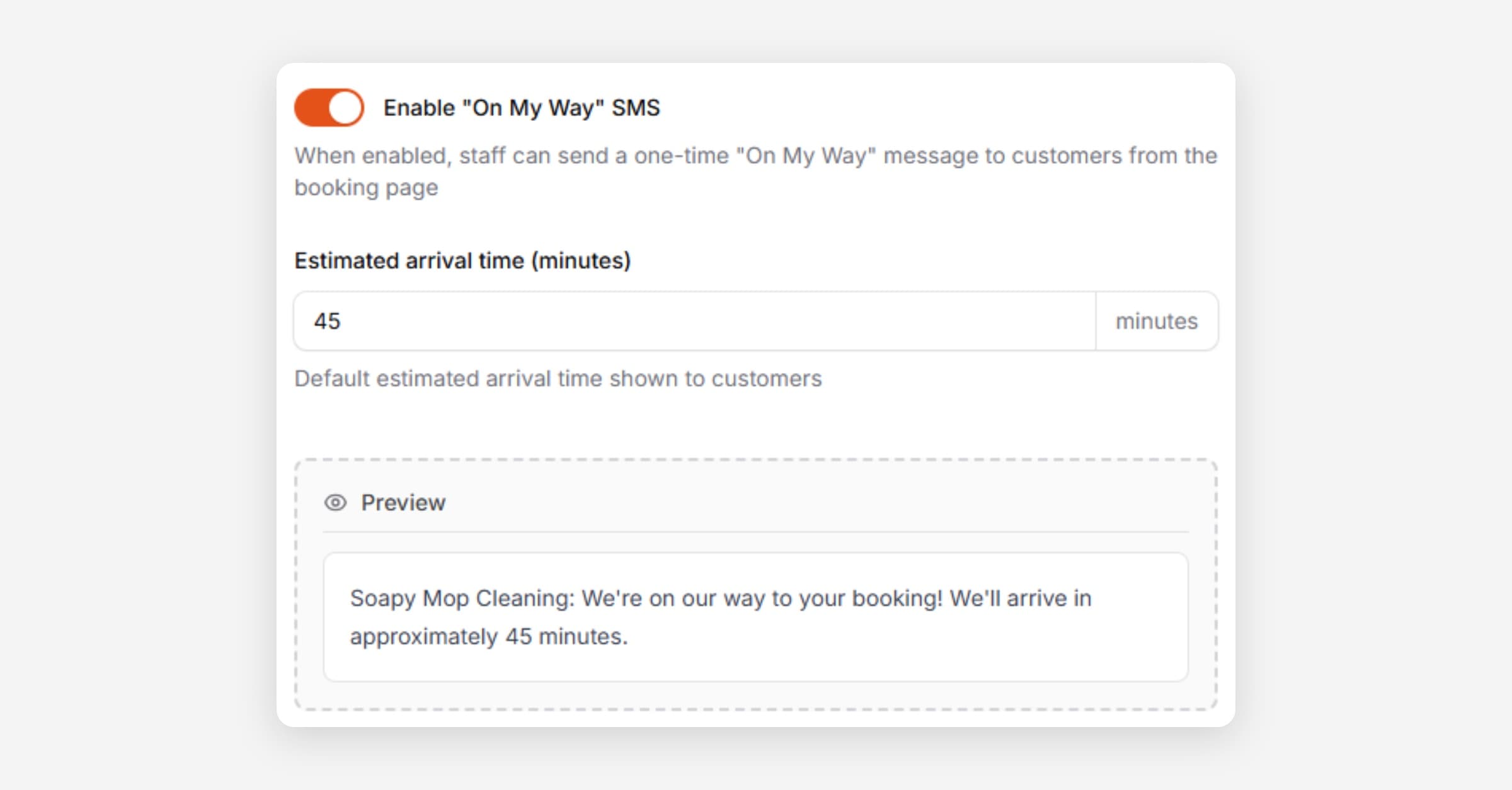
Scroll to On My Way and Enable
Set your estimated arrival time. A preview will be displayed at the bottom.
This is the number of minutes in advance that you will typically send this message for, e.g. when you are 30 minutes out from a job.
Press Save Changes
Send an ‘On My Way’ SMS
Go to Bookings and open the booking you would like to send an on-my-way SMS for.
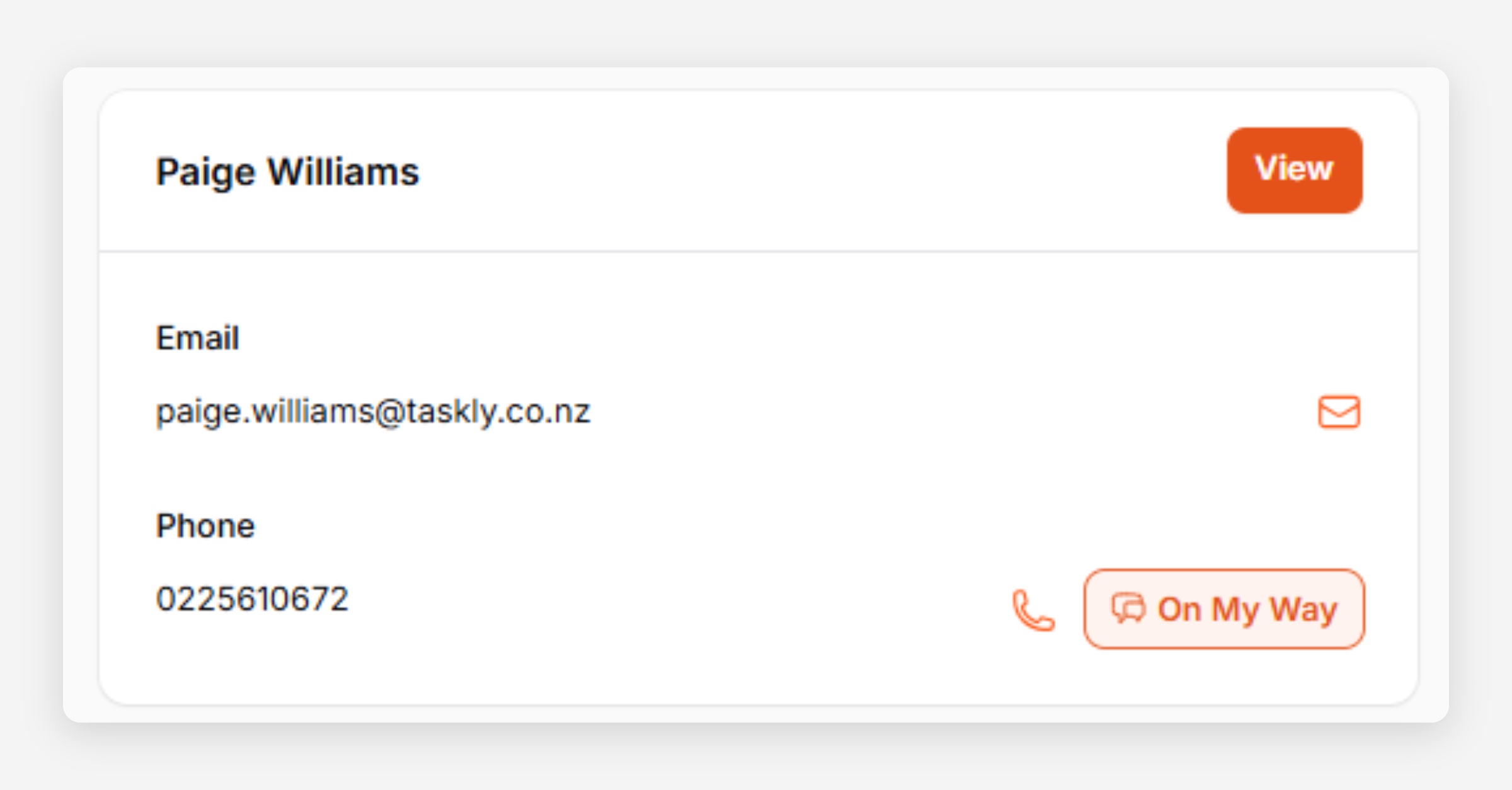
In the Customer tile, press the On My Way button.
Press Send Message to confirm the action.
The On My Way button will turn into a green tick, indicating the message has been sent. You can view the message status in your Notification Log.
Was this helpful?