
Export Invoices from Taskly
Taskly allows you to export out invoices so that you can manage them in external systems, e.g. accounting systems. The following article outlines how to export invoices.
Go to Invoices
Press Export Invoices
Choose/Rename the columns you would like to Export.
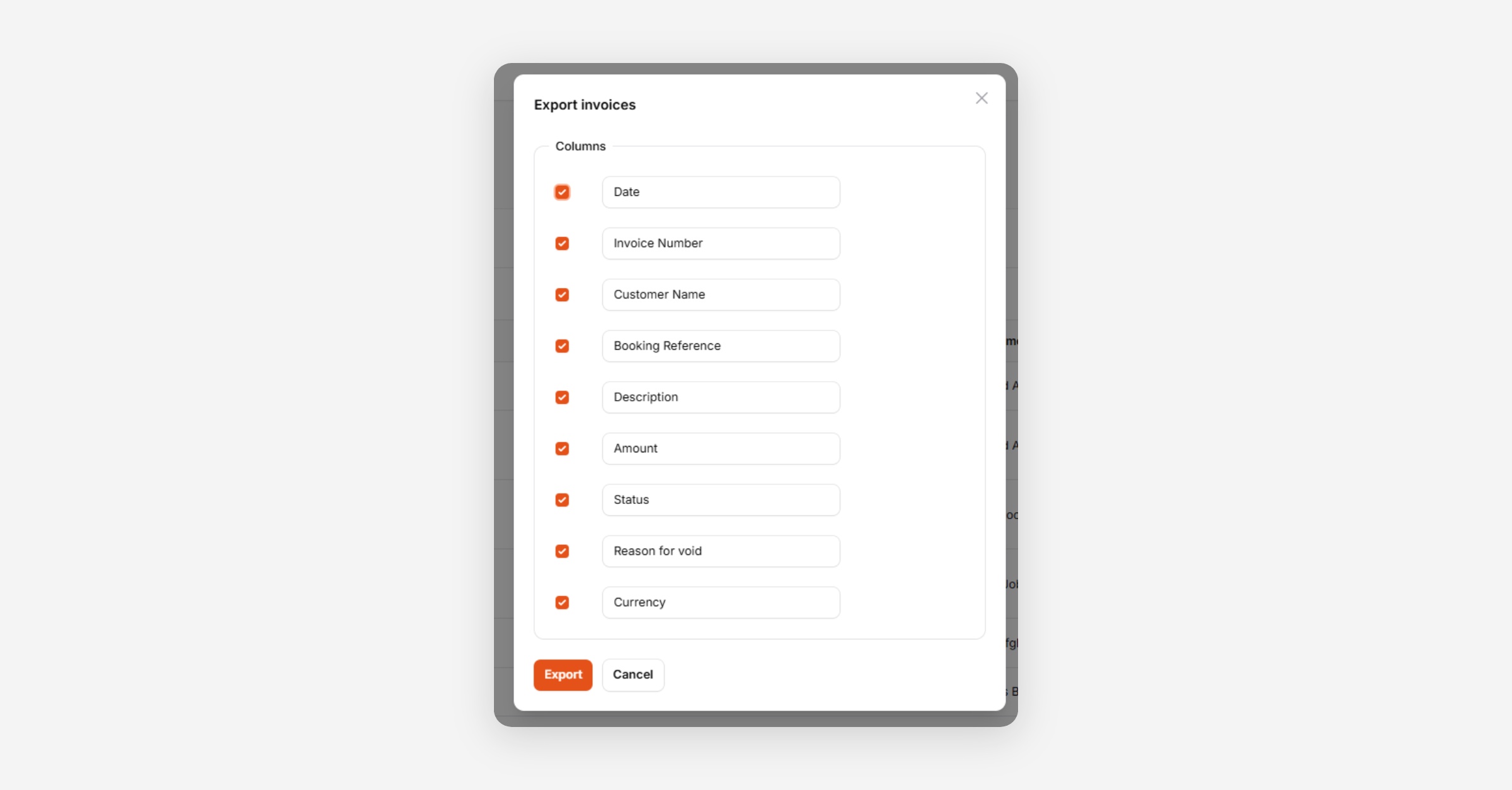
Press Export. A background process will begin. You can retrieve the export file from the Notifications menu and download it as a CSV or XLSX.

Was this helpful?