
Docs / Setting Up
Enable Website Booking Forms
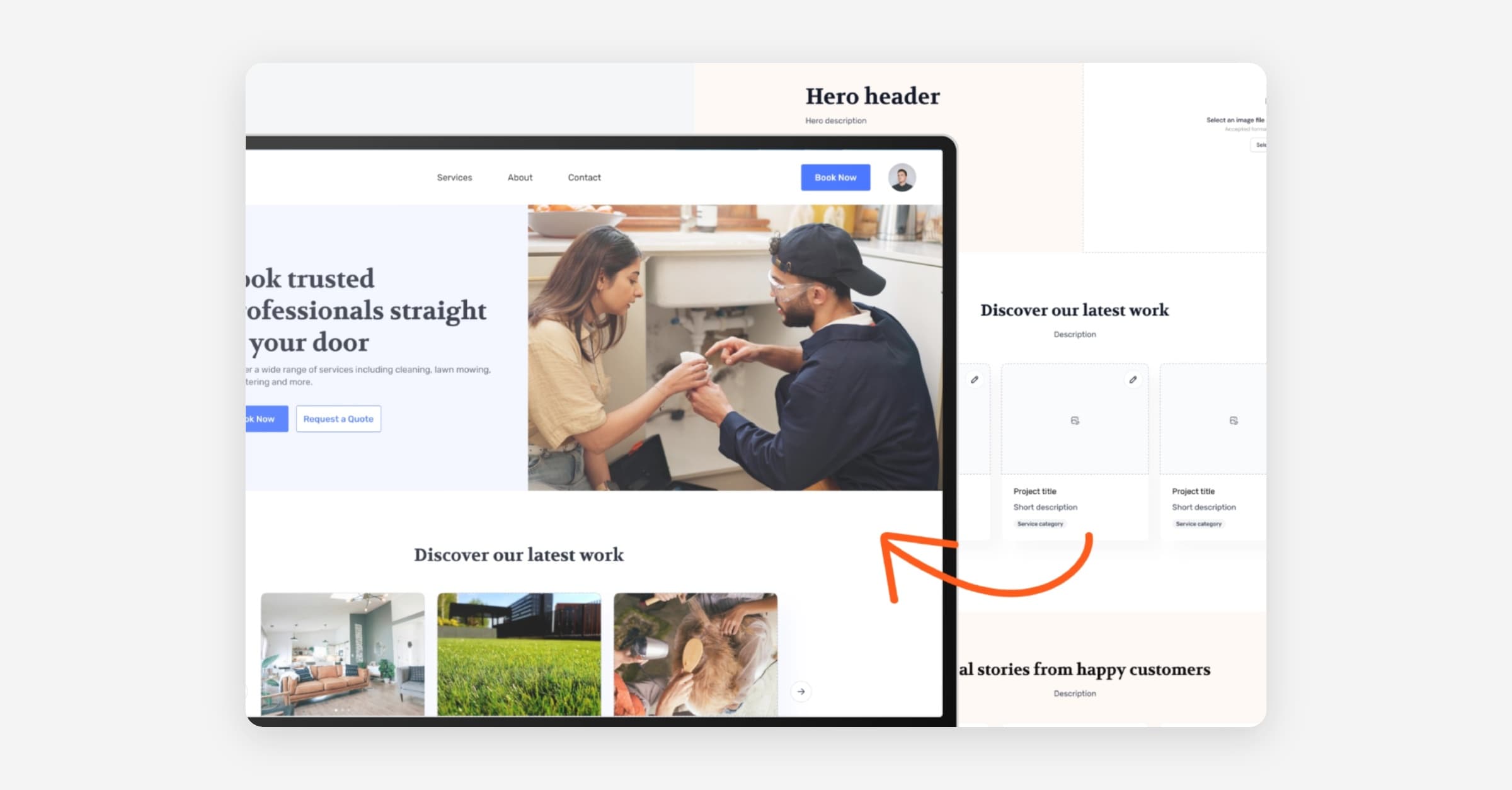
Taskly allows you to link or embed booking forms into your website or social media pages so that you can capture and feed new leads in for immediate quoting. The following article outlines the difference between the types of booking forms and how to enable them.
Full Booking Form vs Quick Embed Form
Taskly has two different types of forms you can use to create booking requests/leads. Both forms are fully mobile responsive and brandable with your own logo/colours etc.
Full Booking Form (Quote Flow)
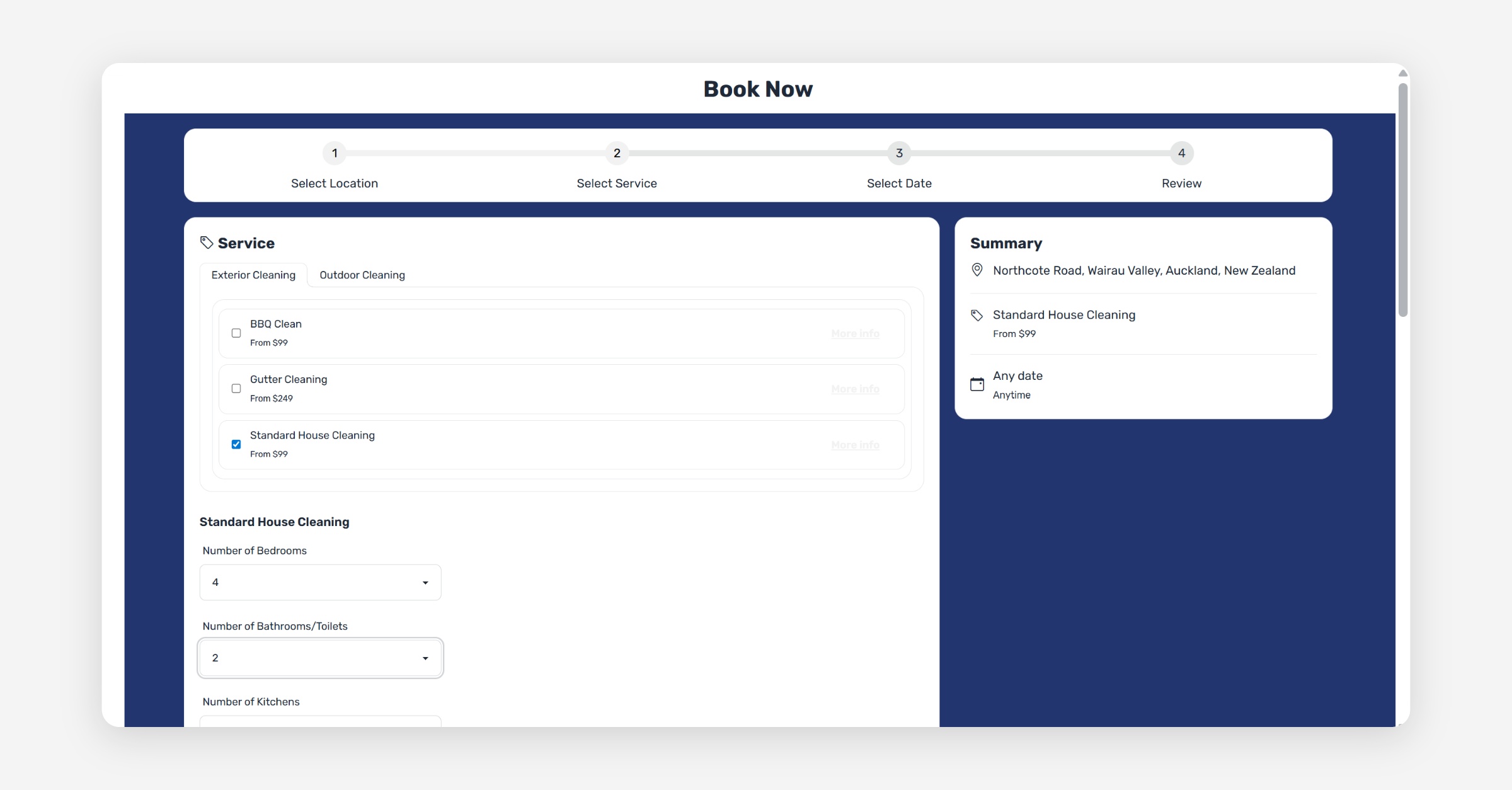
The full booking form is full screen multi-step workflow designed to allow you to capture all the information you need from your prospects to properly price a job.
The form will ask customers to provide their location, contact details, services they would like, when they would like the booking, and photos (optional).
If you have set up custom forms, the full booking form will also display these so you can capture specific information related to the services they have selected, e.g. number of bedrooms for a clean.
In order for customers to use this form, you must add the hyperlink somewhere on your website, e.g. a Book Now button or Enquire Now header menu item.
Quick Embed Form
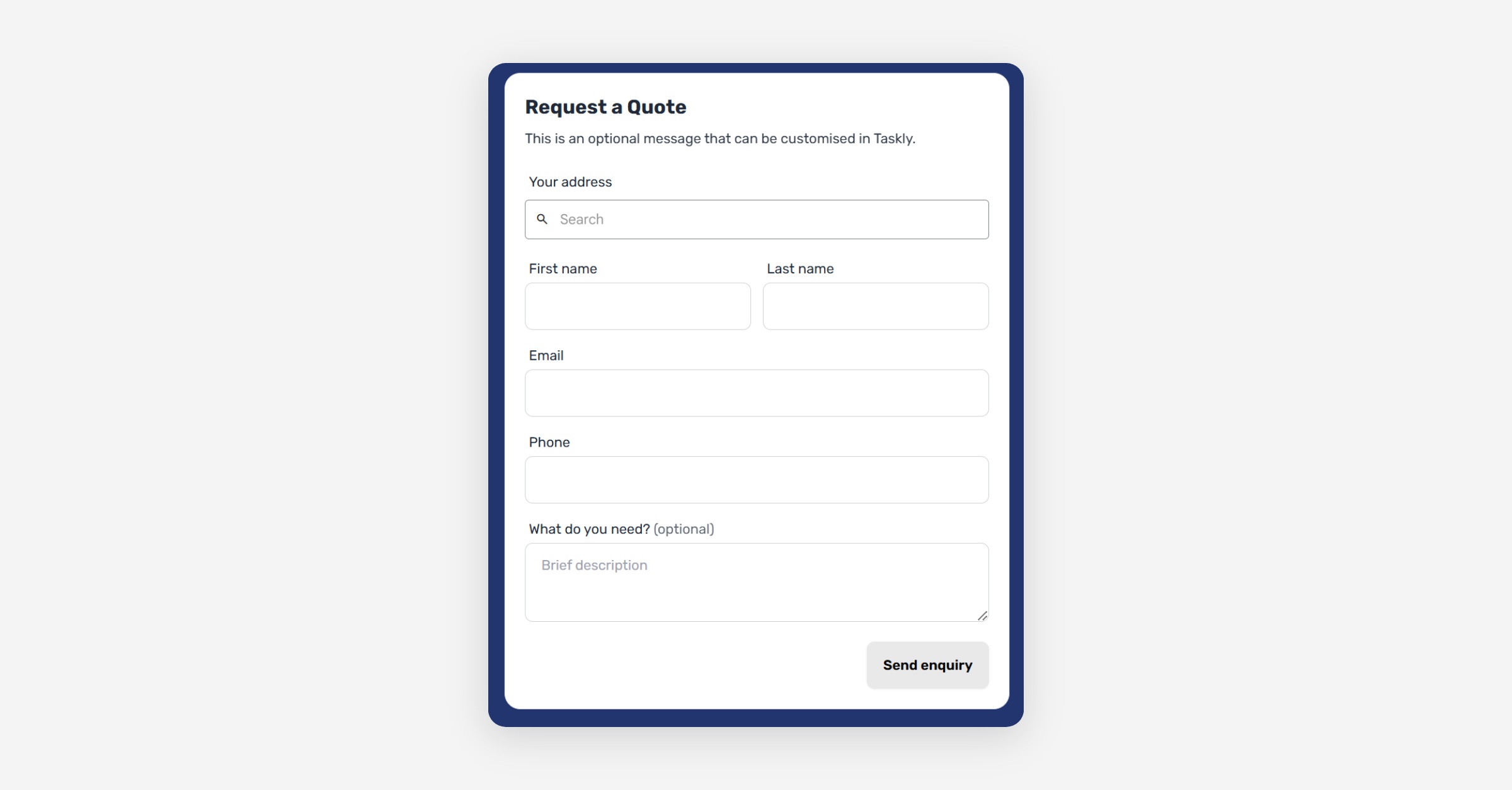
The quick embed form is a iframe widget that you can place within any of your website pages.
It will not take customers to a seperate page, like the full booking form - they can complete the form within your webite page.
This is a streamlined form that only captures customers location, contact details, and asks an open ended question about what they would like.
Enable and Test Forms
Click Settings and open Website Settings
Enable the Website Enabled toggle
Edit the form headers and custom messaging as required, e.g. Book Now, or Enquire Now etc.
Press Save Changes
Once saved, you can copy the full booking form URL and/or the quick embed code to add to your website.
If you are not sure how to edit your website, speak to your website developer.
You can test the full form by navigating to the URL. You can test the embed form by using an online tool like https://www.w3schools.com/ to run the HTML.
Was this helpful?